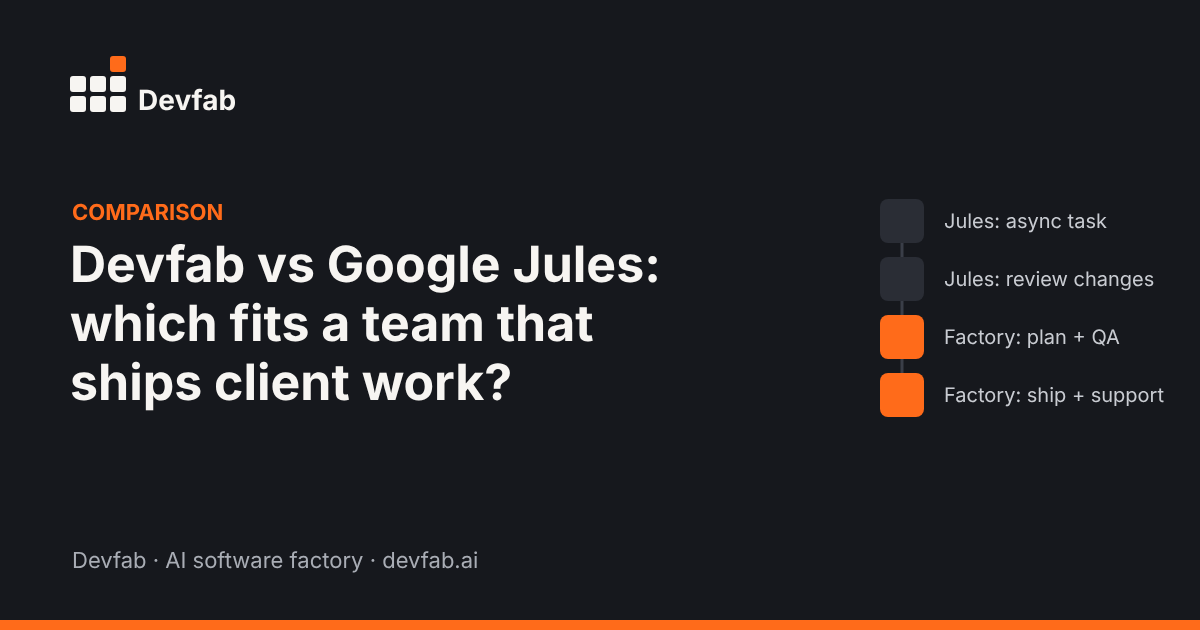
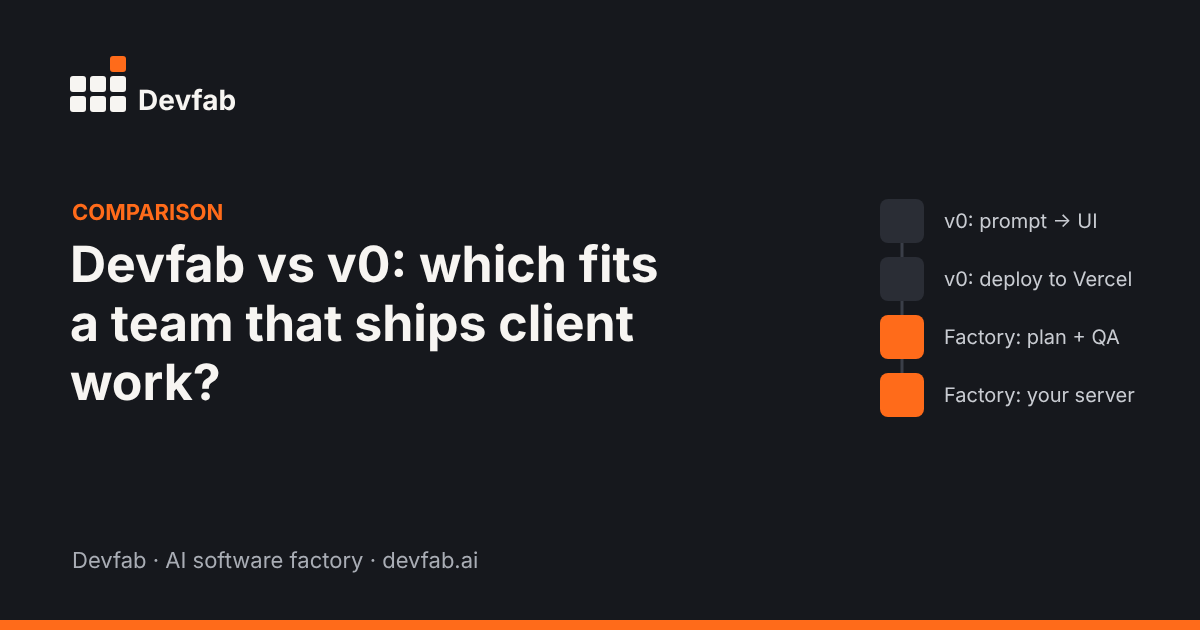
Short answer: v0 is Vercel's AI builder for Next.js apps: you prompt, see the result, and deploy to Vercel in a click. Devfab is an AI software factory: agents research, plan, build, test and deploy, with a person approving the plan, and the app runs on your own server. Choose v0 for fast, design-led Next.js work on Vercel; choose Devfab for planned, tested delivery across many client projects.
What each tool is built for
v0
v0 generates React components and full-stack apps built on Next.js, shadcn/ui and Tailwind. It includes a sandboxed runtime, database integrations, a Git panel with branches and pull requests, and one-click deployment to Vercel. It suits teams already on Vercel and Next.js, with at least one engineer, and design-led builds. Its full-stack features are newer than its UI generation, and pricing is token-based.
Devfab
Devfab treats a project as a production line. You describe the app (or connect an existing repo), choose Human in the loop or Auto, and optionally pick a technology; otherwise Devfab picks one that fits, such as Next.js and TypeScript for web apps. A Planner writes the plan; you approve it; a Coordinator assigns tickets to developer agents; a QA agent reviews each ticket before it's done. The repository is created in your own GitHub account or organisation, and apps deploy to your own server.
Same brief, two workflows
Brief: "A client portal where clients see project status, approve deliverables and raise requests."
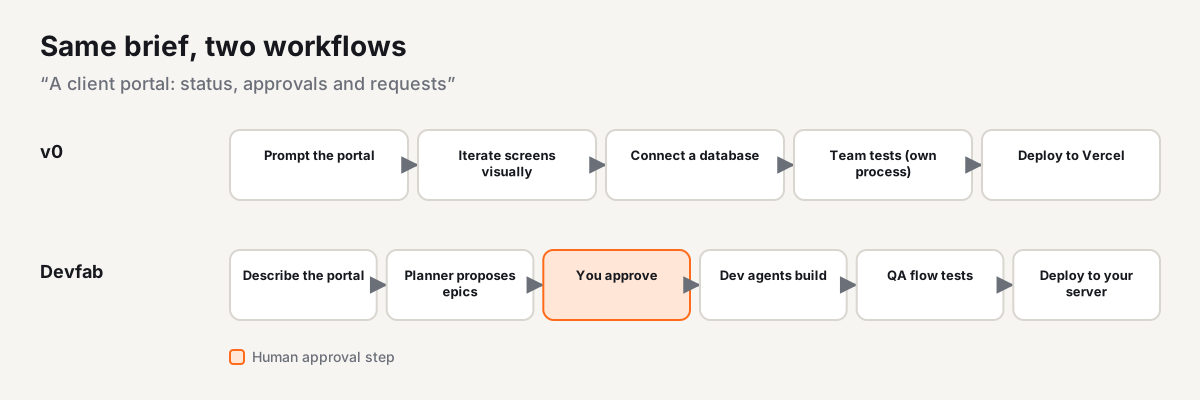
With v0, a designer or developer prompts the portal, iterates on the screens visually, connects a database, and deploys to Vercel. Requirements, test coverage, client sign-off and documentation are handled by the team's own process.
With Devfab, the account manager describes the portal. The Planner proposes epics (sign-in and tenants, projects, approvals, requests, notifications) and the account manager approves. Developer agents build the tickets; the QA agent runs flow tests, including one that checks a client can't see another client's projects. The portal deploys to the agency's or client's server.
Comparison table
| Aspect | v0 | Devfab |
|---|---|---|
| Built for | Fast, design-led Next.js apps | Planned, tested delivery end to end |
| Starting point | A prompt | A description, spec or existing repo |
| Plan approved before code | Not built in | Planner plan; you approve |
| Task coordination | Up to you | Coordinator, tickets, developer agents |
| Tests | Up to you | QA agent reviews each ticket, incl. UI and flow tests (can be turned off) |
| Stack | Next.js, shadcn/ui, Tailwind | Any; optional choice or Devfab picks |
| Deploy | Vercel | Your own server |
| Code | Git panel with branches and PRs | Your own GitHub account or organisation |
| Docs | Up to you | Blueprints, flows, user manuals |
| Existing codebases | Import into v0 | Connect an existing repo; ChainFlow maps dependencies |
| Cost | Tokens | Cost logged per task and per project |
When to choose v0
- You're on Vercel and Next.js and want to stay there.
- The work is design-led: landing pages, dashboards, UI-heavy features.
- You have an engineer to own testing, review and maintenance.
- You want to see screens in seconds and iterate visually.
When to choose Devfab
- You deliver many client projects and want the same process every time.
- Clients or product owners need to approve a plan before work starts.
- You need test evidence for each ticket.
- Apps must run on your or your client's servers, not a specific host.
- You need predictable cost per task and project to quote work.
Where Devfab is weaker: it doesn't give you v0's instant visual iteration on screens, and it's newer, in Beta, with a smaller community.
FAQ
Can I use v0 and Devfab together?
Yes. Some teams design screens in v0, then hand the repo to Devfab to plan the rest of the app, test it and maintain it. Devfab can work on an existing GitHub repo.
Does Devfab only build Next.js apps?
No. Technology is optional when you start a project. If you don't choose, Devfab picks a stack that fits the description.
Which is better for non-developers?
v0 is easier for seeing screens fast. Devfab is easier for getting a whole app planned, tested and deployed without managing the process yourself.
Read next
- What is an AI software factory?
- Devfab vs Claude Code
- Bolt.new alternatives for teams that ship to production
See it on a client project. Book a Devfab demo.
Sources (checked November 2026): Altar.io: Lovable vs Bolt vs v0 vs Replit vs Base44.
Frequently asked questions
Can I use v0 and Devfab together?
Yes. Some teams design screens in v0, then hand the repo to Devfab to plan the rest of the app, test it and maintain it. Devfab can work on an existing GitHub repo.
Does Devfab only build Next.js apps?
No. Technology is optional when you start a project. If you don't choose, Devfab picks a stack that fits the description.
Which is better for non-developers?
v0 is easier for seeing screens fast. Devfab is easier for getting a whole app planned, tested and deployed without managing the process yourself.