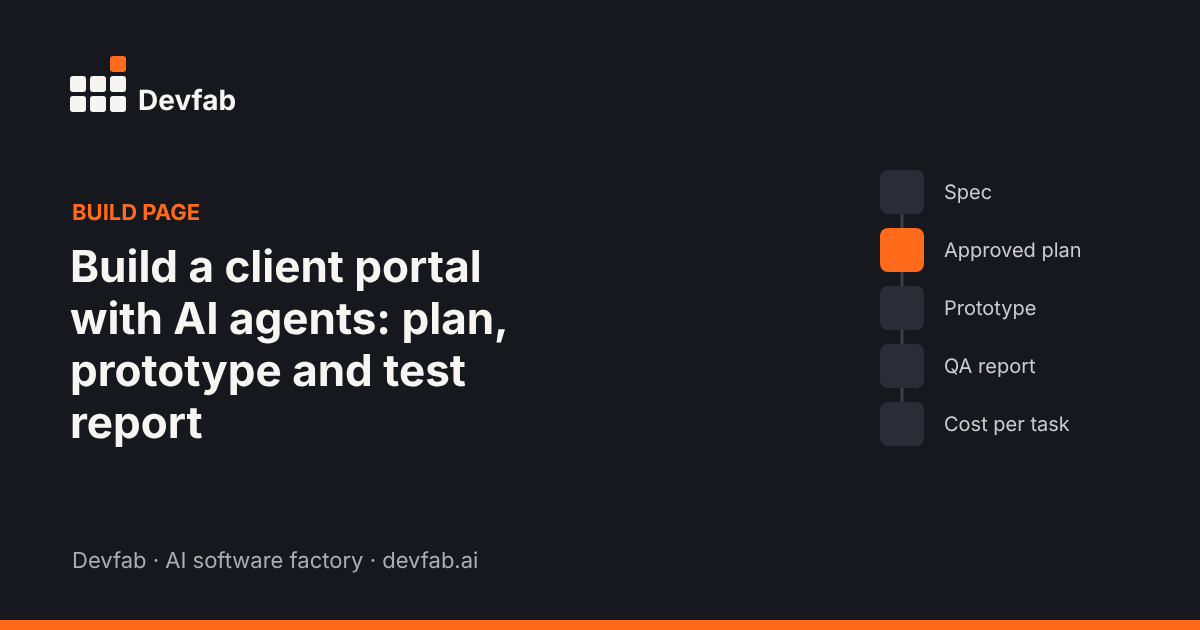
Short answer: A client portal gives each client one secure place to see project status, share files, approve deliverables, and raise requests, instead of chasing email threads. With Devfab, you describe the portal, approve the plan the Planner writes, and developer and QA agents build and test it in your own GitHub repository. This page walks through the spec, plan, screens and test report from the build.
What the app does and who uses it
Agencies, consultancies and service firms lose hours to "where are we on this?" emails, files sent to the wrong person, and approvals buried in threads. A client portal fixes that with one login per client.
| User | What they do |
|---|---|
| Client contact | See project status and milestones, download files, approve or comment on deliverables, raise a request |
| Account manager | Post updates, upload deliverables, respond to requests, see pending approvals |
| Agency admin | Create client accounts and projects, manage team access, export activity |
The one-page spec
- Problem: project updates, files and approvals are scattered across email and chat; clients can't see status without asking.
- Users and roles: client contact, account manager, agency admin. Clients only see their own company's projects.
- Must-have flows:
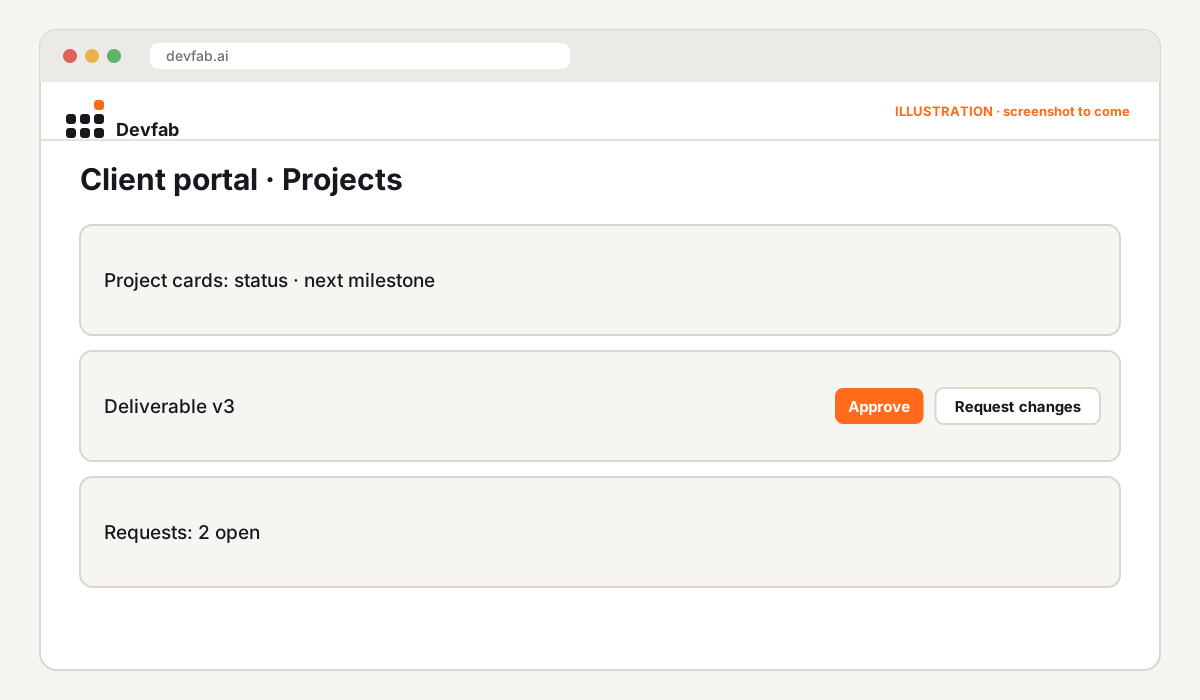
- Client signs in and sees their projects with status and next milestone
- Account manager posts an update and uploads a deliverable
- Client approves a deliverable or requests changes, with a comment
- Client raises a request; account manager responds and closes it
- Email notification on new update, approval request and request reply
- Data: clients, contacts, projects, milestones, updates, files, approvals, requests, users.
- Rules: strict per-client data separation; every approval records who, when and the file version; files have a size limit.
- Done means: each flow works end to end; a client can never see another client's data (tested); notifications arrive.
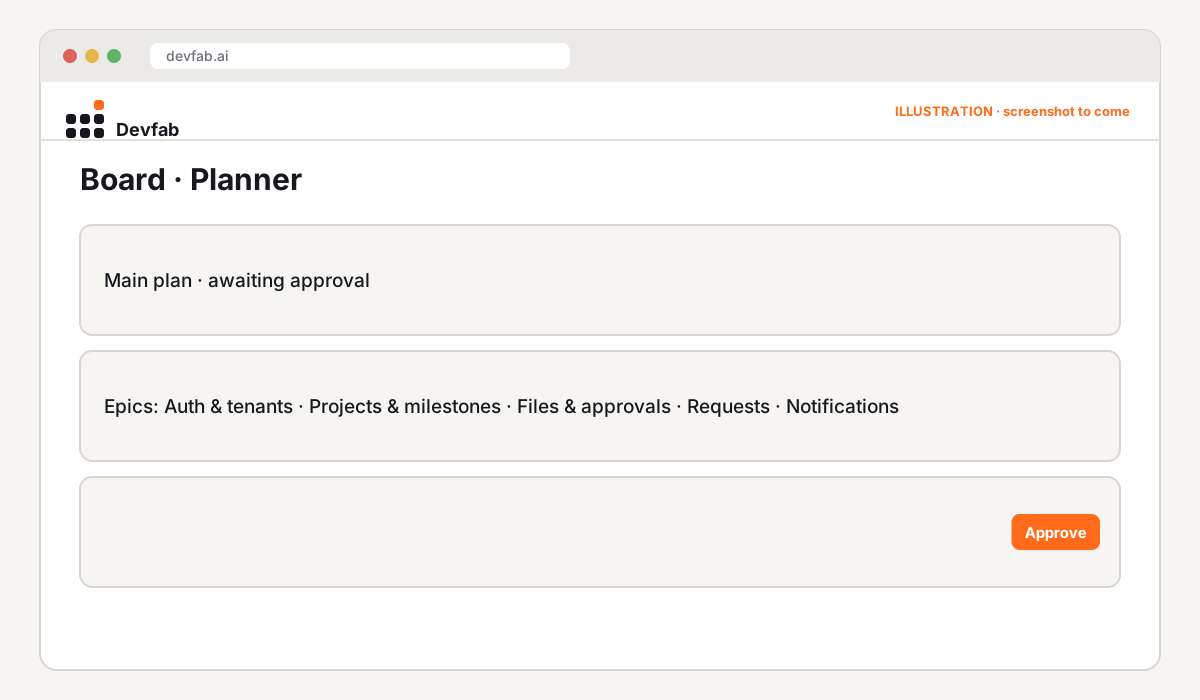
The approved plan
Screens and prototype
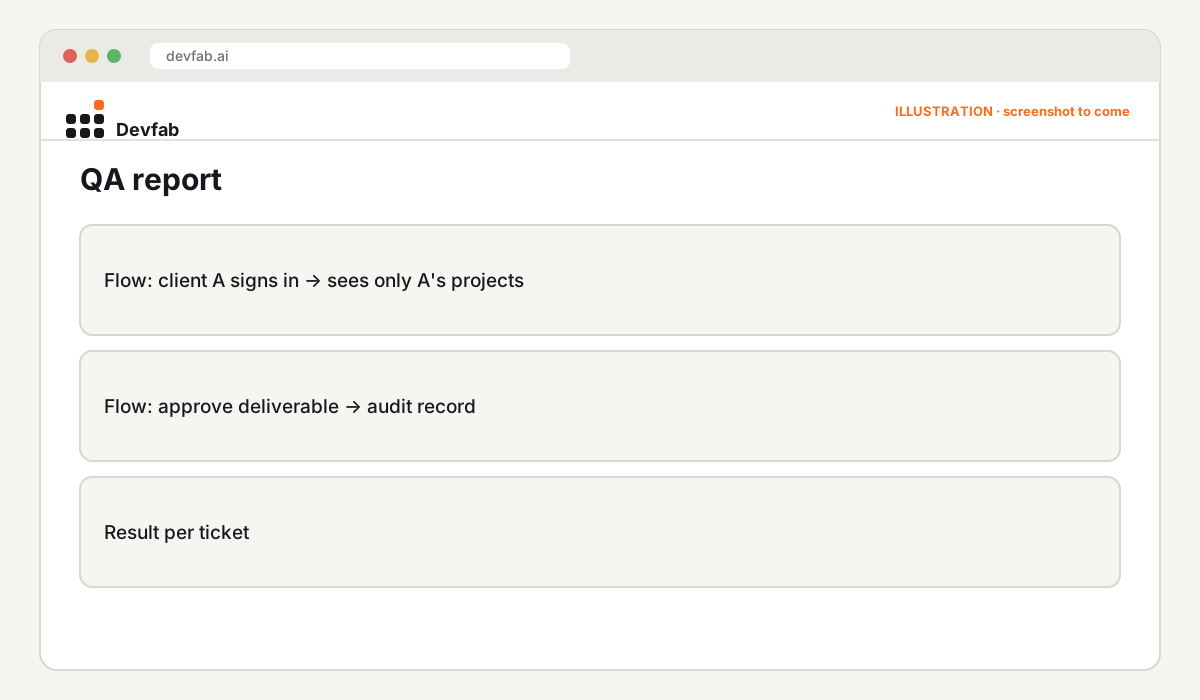
QA report
The QA agent reviewed every ticket before it could be marked done, including flow tests that sign in as two different clients to confirm neither can see the other's projects.
Try it or book a demo
- Your code, your server: the repository is in your own GitHub account, and the portal deploys to your own server, with your own domain.
- Agencies: book a Devfab demo to see a portal built from your current client workflow.
FAQ
Can the client portal use our own domain and branding?
Yes. Branding is part of the spec, and Devfab deploys to your own server, where you set your own domain.
How is client data kept separate?
Per-client separation is a rule in the spec, and the QA agent's flow tests sign in as different clients to check it on every change.
Can we add features later?
Yes. New requests go to the Planner as a new plan, or straight to the Coordinator as tickets, and go through the same build and QA steps.
Read next
- What is an AI software factory?
- How AI agents handle bug reports from customers
- The AI-native software agency
Frequently asked questions
Can the client portal use our own domain and branding?
Yes. Branding is part of the spec, and Devfab deploys to your own server, where you set your own domain.
How is client data kept separate?
Per-client separation is a rule in the spec, and the QA agent's flow tests sign in as different clients to check it on every change.
Can we add features later?
Yes. New requests go to the Planner as a new plan, or straight to the Coordinator as tickets, and go through the same build and QA steps.