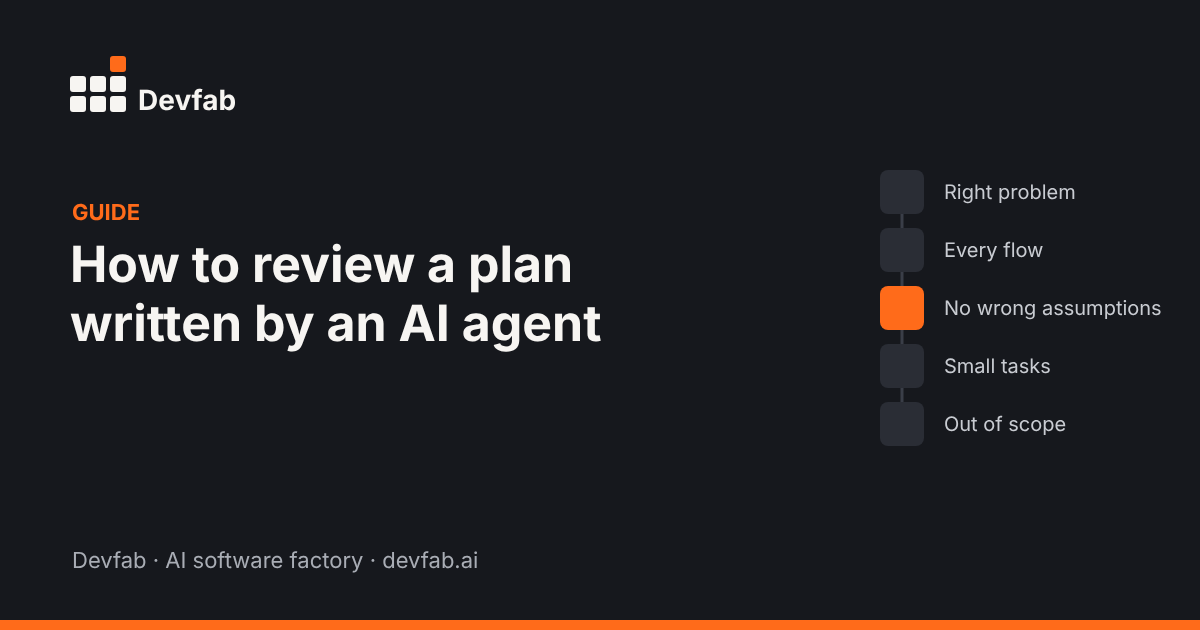
Short answer: Review an AI agent's plan in five passes: check it solves the right problem, covers every must-have flow, makes no wrong assumptions about users, data and rules, splits work into small, testable tasks, and leaves clear out-of-scope items. Fix what's wrong in the plan, then approve. It takes minutes and saves days of rework.
Why the plan is the checkpoint that matters most
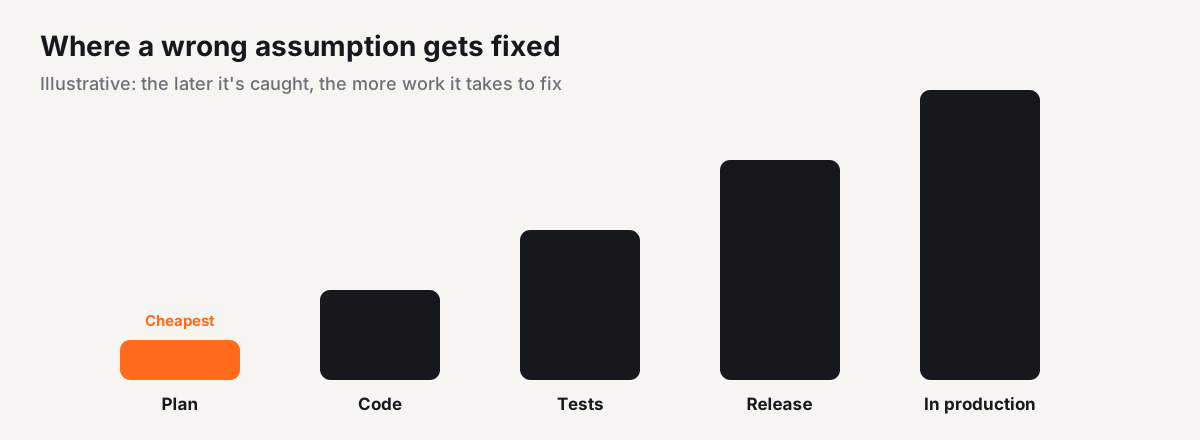
When an agent starts coding straight from a prompt, it fills every gap with an assumption. Some are right. The wrong ones show up later as rework: a screen built for the wrong role, a data model that can't hold what the business needs, a feature nobody asked for.
A plan makes those assumptions visible while they're still cheap to change. That's why a good agent workflow puts a person's approval between the plan and the code.
Step by step
Pass 1: Is it solving the right problem?
Read the plan's summary first. Can you say, in one sentence, what will exist when it's done and who it's for? If the summary describes a different app, or a bigger one, stop here and correct it.
Pass 2: Does it cover every must-have flow?
List the flows you care about, for example "patient books a slot", "reception reschedules", "admin adds a dentist". Find each one in the plan. Missing flows are the most common gap.
Pass 3: Hunt for wrong assumptions
Agents fill gaps silently. Look for:
- Users and roles: who can see and change what?
- Data: what's stored, what's required, what's unique?
- Rules: time zones, limits, approvals, what happens on cancel?
- Integrations: email, payments, sign-in. Which provider, and is it in scope?
- Stack: is the technology choice acceptable to whoever maintains it?
Each wrong assumption you fix here is a bug that never gets written.
Pass 4: Are the tasks small and testable?
A good plan breaks into tasks that can be built and checked one at a time, each with a clear "done" condition. Watch for tasks like "build the backend": too big to review or test.
Pass 5: What's explicitly out of scope?
A plan that says what it won't do protects you from scope creep and surprise costs. If there's no out-of-scope list, ask for one.
Then: edit, approve, and record why
Make your edits in the plan, or ask the agent to revise it, then approve. Keep a one-line note of what you changed and why. It helps the next review and anyone who joins later.
How plan approval works in Devfab
In Devfab, every workspace has a Planner. You describe what to build, the Planner proposes a plan in a read-only planning session, and nothing changes until you press Approve. Approval hands the plan to the Coordinator, which creates tickets and assigns developer agents.
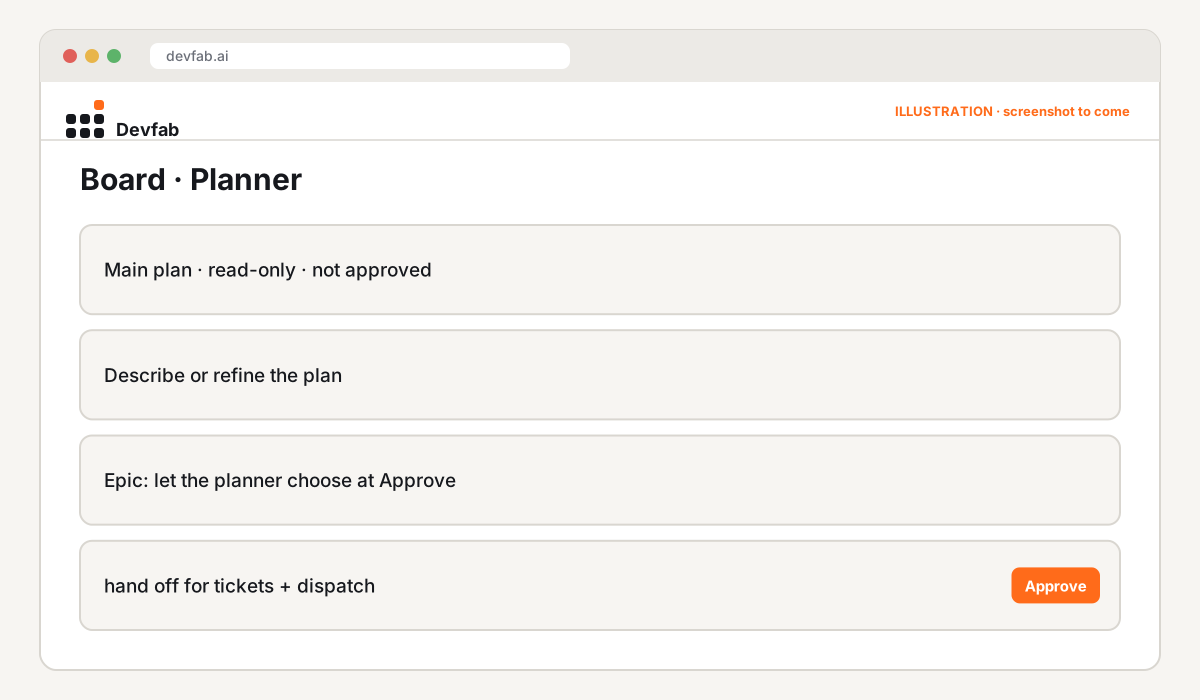
In Human in the loop mode, Devfab stops for your approval at each stage. In Auto mode, it moves on by itself and only asks when it needs you. For a first project, Human in the loop is the default.
Common mistakes
- Skimming the summary and approving. The summary is right; the details are wrong.
- Reviewing the code instead of the plan. By then the assumptions are baked in.
- Accepting vague tasks. "Implement booking" can't be tested.
- Letting the plan grow. Each added feature adds cost and risk. Move nice-to-haves to a later plan.
- Not writing down what you changed. The same wrong assumption returns in the next plan.
Checklist
- [ ] One-sentence summary matches what you want
- [ ] Every must-have flow is in the plan
- [ ] Roles and permissions are right
- [ ] Data fields, required fields and uniqueness are right
- [ ] Business rules (time, limits, approvals, cancellations) are right
- [ ] Integrations and stack are acceptable
- [ ] Tasks are small, each with a clear "done"
- [ ] Out-of-scope list exists
- [ ] Edits recorded with a reason
FAQ
How long should reviewing an AI plan take?
For a small app, 10 to 30 minutes. That's usually far less than the rework a missed assumption causes later.
Should a non-technical person review the plan?
Yes, for the parts about users, flows, data and rules. A developer can review stack and architecture choices separately.
What if the plan is mostly right?
Approve it with your edits. A plan doesn't need to be perfect; the point is catching the wrong assumptions that matter.
Read next
- What is a planner agent?
- What is vibe coding, and when does it stop working?
- What is an AI software factory?
Frequently asked questions
How long should reviewing an AI plan take?
For a small app, 10 to 30 minutes. That's usually far less than the rework a missed assumption causes later.
Should a non-technical person review the plan?
Yes, for the parts about users, flows, data and rules. A developer can review stack and architecture choices separately.
What if the plan is mostly right?
Approve it with your edits. A plan doesn't need to be perfect; the point is catching the wrong assumptions that matter.