Short answer: A field service work order app SRS describes how jobs are created, scheduled and dispatched, what technicians record on site (often offline), how customers sign off, and how completed jobs turn into invoices. Download the free one-page template, fill in the six sections, and give it to a developer or AI agent to build from.
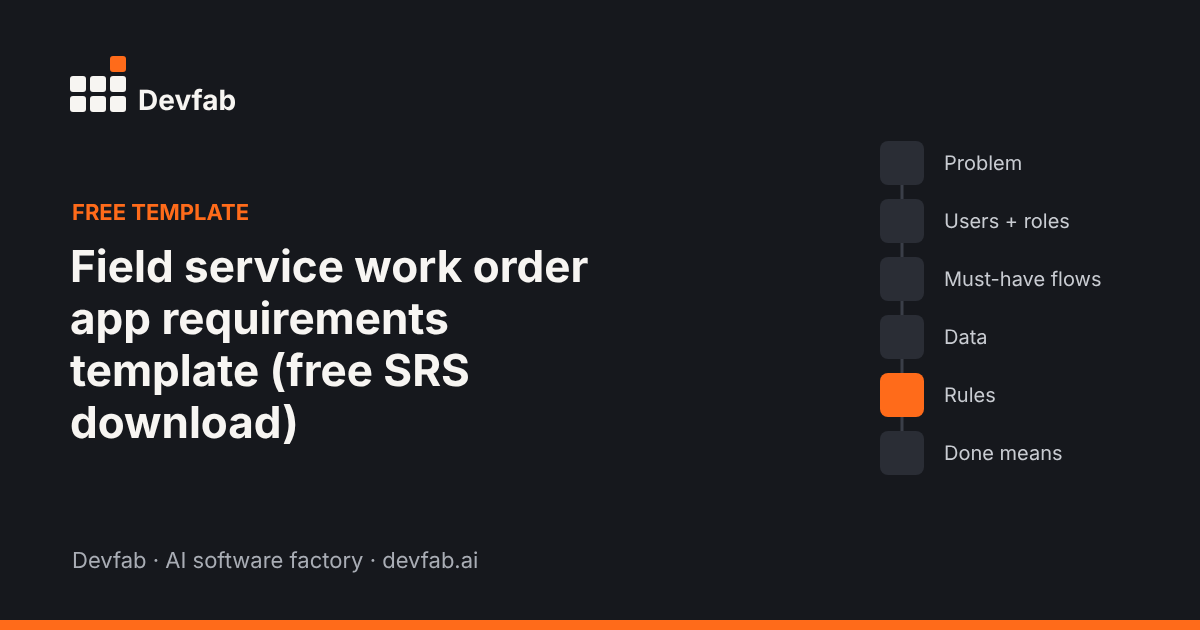
Download
- Download the template (PDF)
- Google Doc version: Coming soon
How to fill each section
1. Problem
What breaks today: paper job sheets, double-booked technicians, missing photos, late invoices.
2. Users and roles
Typically dispatcher/office, technician (phone), customer (booking and sign-off), and manager (reports).
3. Must-have flows (up to five)
Create a job; schedule and dispatch; technician completes the job on site; customer signs off; completed job goes to invoicing.
4. Data
Customers, sites and equipment, jobs/work orders, schedules, technicians, checklists, parts used, photos, signatures, time logs.
5. Rules and edge cases
- Does the technician app need to work offline? (In basements and rural sites, usually yes.)
- How are jobs assigned: manually, by area, by skill?
- What's required to close a job: checklist, photos, signature?
- How are parts and time priced for the invoice?
- What happens if a job needs a second visit?
6. Done means
For each flow, a testable condition: "A technician with no signal completes a job with 3 photos and a signature; it syncs within a minute of reconnecting and appears as ready to invoice."
Filled example: HVAC service company
1. Problem: 12 technicians use paper job sheets; the office re-types them; invoices go out a week late and photos are often missing.
2. Users and roles: Dispatcher · Technician (phone, offline) · Customer (sign-off on site, email receipt) · Owner (reports).
3. Must-have flows:
- Dispatcher creates a job (customer, site, equipment, issue, priority).
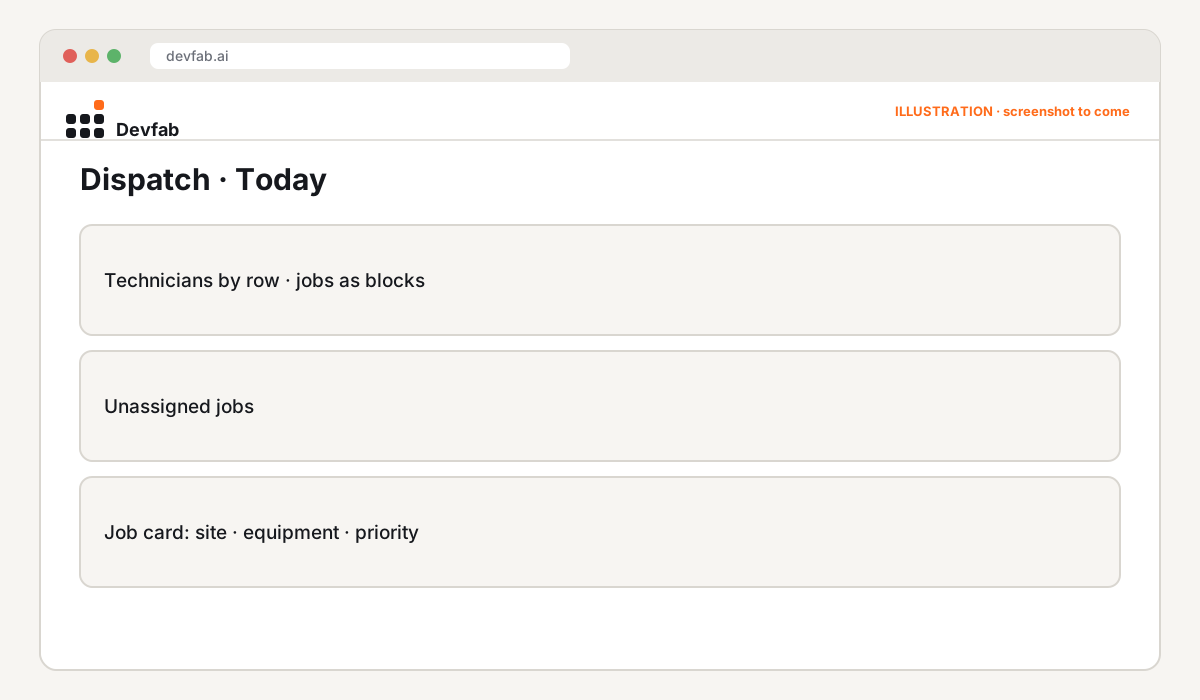
- Dispatcher schedules and assigns it on a drag-and-drop day view; technician is notified.
- Technician opens the job, follows the checklist, logs parts and time, adds photos, works offline.
- Customer signs on the technician's phone and gets an email summary.
- Completed jobs appear in an "Ready to invoice" list with parts and time totals, exportable to accounting.
4. Data: customers, sites, equipment, jobs, schedules, technicians, checklists, parts, time logs, photos, signatures.
5. Rules: offline-first technician app; jobs assigned by area and skill; closing needs checklist + 1 photo + signature; return visits link to the original job.
6. Done means: each flow works on phone and desktop; offline jobs sync correctly; no job can close without required items.
The prototype built from this example
FAQ
What features does a field service work order app need?
Job creation, scheduling and dispatch, a technician mobile app with checklists, photos and signatures (ideally offline), and a path from completed job to invoice.
Why is offline mode important?
Technicians often work where signal is poor. Without offline mode, they fall back to paper and the office re-types everything.
Can I use this template with any developer or tool?
Yes. It's tool-neutral.
Read next
- 311 service request portal requirements template
- Build a public works asset tracker with AI agents
- Best AI tools for small businesses to build custom apps
Turn this template into a working prototype. Join the Devfab Beta.
Frequently asked questions
What features does a field service work order app need?
Job creation, scheduling and dispatch, a technician mobile app with checklists, photos and signatures (ideally offline), and a path from completed job to invoice.
Why is offline mode important?
Technicians often work where signal is poor. Without offline mode, they fall back to paper and the office re-types everything.
Can I use this template with any developer or tool?
Yes. It's tool-neutral.