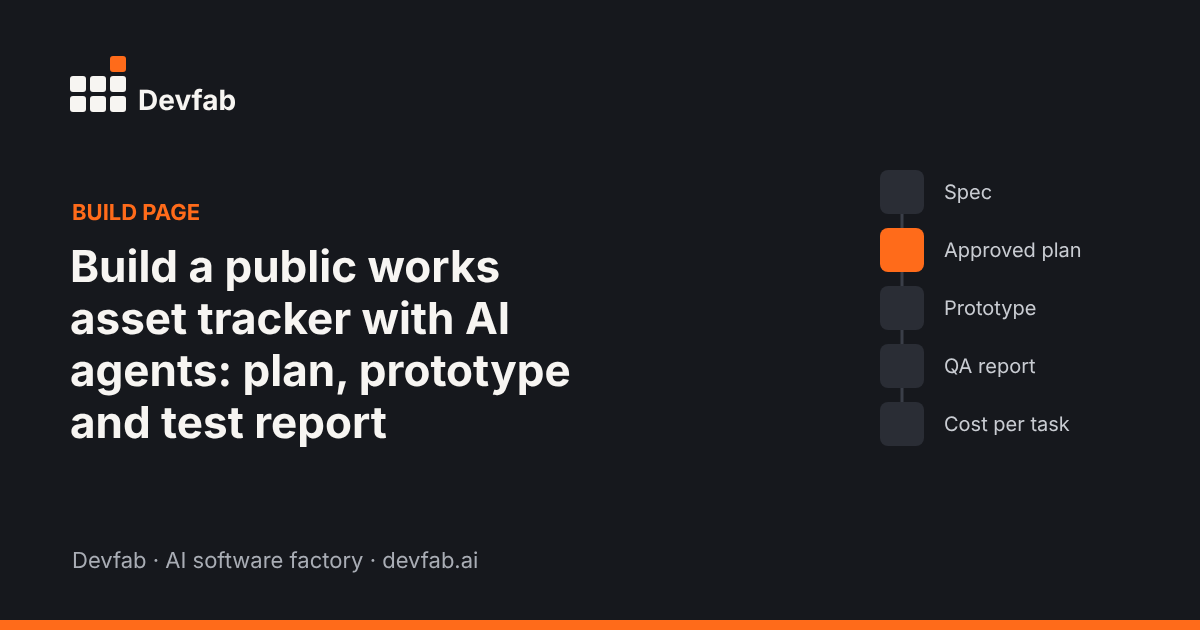
Short answer: A public works asset tracker records every asset a city or town maintains (streetlights, hydrants, signs, pumps, vehicles), its condition and location, and the work orders raised against it. With Devfab, you describe the app in plain language, approve the plan the Planner writes, and developer and QA agents build and test it in your own GitHub repository. This page shows the spec, the plan, the screens and the test report from that build.
What the app does and who uses it
Local public works teams often track assets in spreadsheets, paper inspection sheets and email. That makes it hard to answer simple questions: Which hydrants haven't been inspected this year? Which streetlights have open repair requests? What did we spend on the pump station last quarter?
| User | What they do |
|---|---|
| Field crew | Find an asset on a map or by ID, record an inspection with photos, close work orders |
| Supervisor | Assign work orders, set inspection schedules, see overdue items |
| Department admin | Manage asset types, zones, crews and users; export reports |
| Residents (optional) | Report a problem with an asset through a simple form |
The one-page spec
This is the spec the build started from:
- Problem: Asset data is scattered; inspections are missed; nobody can see open work by area.
- Users and roles: field crew, supervisor, department admin, residents (report only).
- Must-have flows:
- Add and edit assets (type, ID, location, install date, condition, photos)
- Record an inspection against an asset
- Create, assign and close a work order
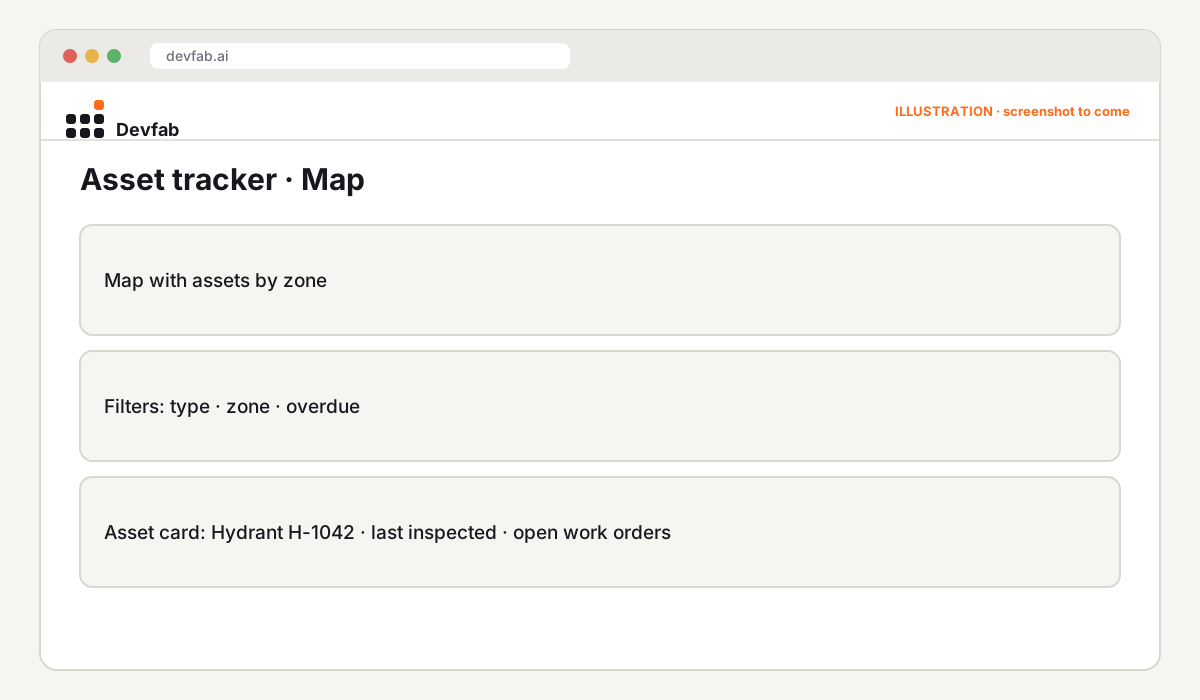
- See assets and open work orders on a map, filtered by type and zone
- Overdue inspections list per crew
- Data: assets, asset types, zones, inspections, work orders, crews, users, attachments.
- Rules: each asset type has an inspection interval; a work order needs an asset and a priority; only supervisors assign work.
- Done means: each flow works end to end on desktop and phone, with role permissions enforced and an audit trail on every change.
The approved plan
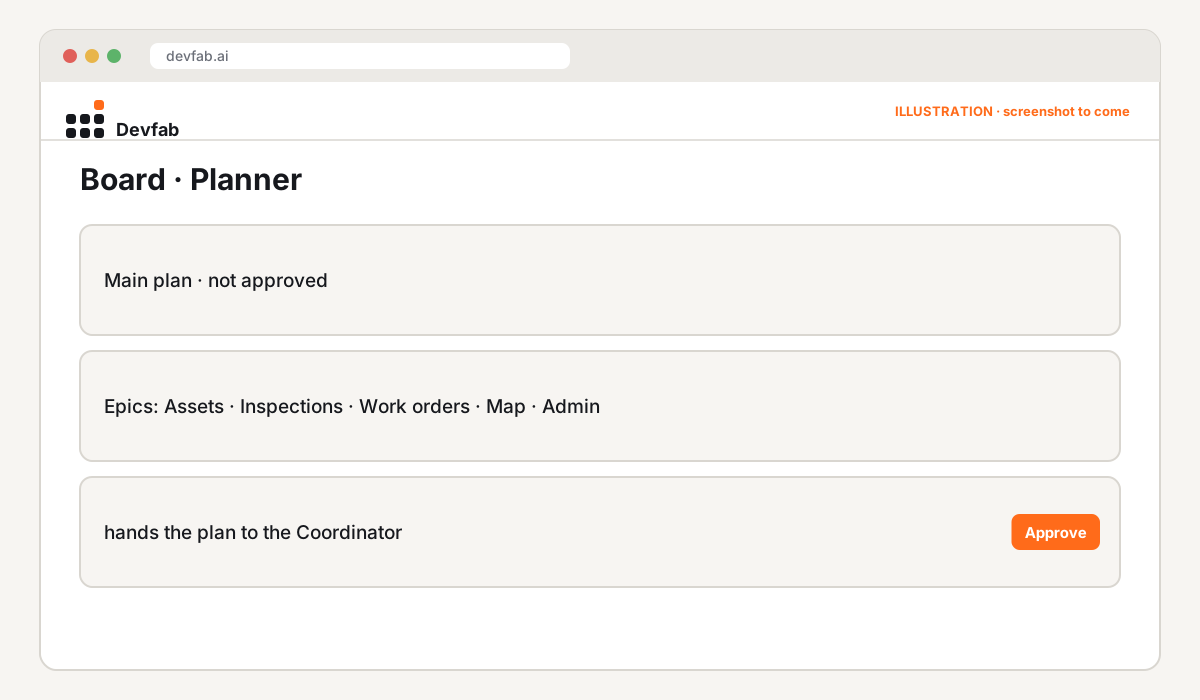
The Planner turned the spec into an implementation plan: screens, data model, task order and risks. A person read it, edited it, and approved it before any code was written.
Screens and prototype
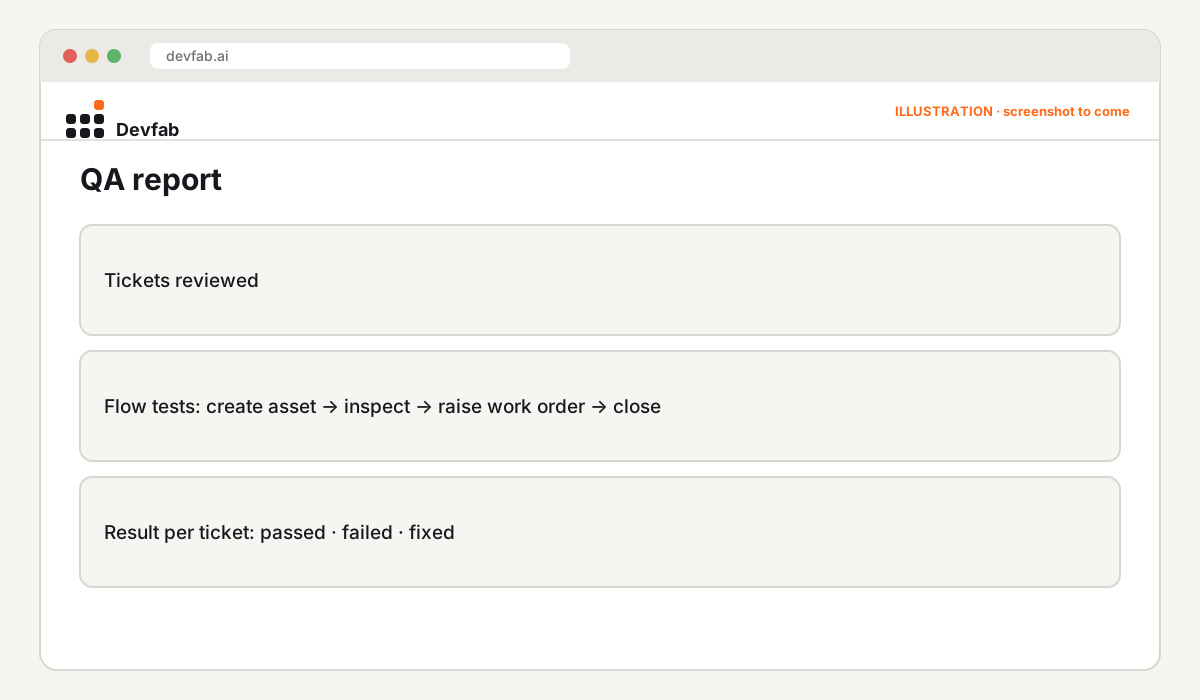
QA report
Every ticket went through the QA agent before it could be marked done: unit and logic tests, plus UI and flow tests that click through the screens.
Cost logged per task
Devfab logs cost after each run, per task and per project.
Try it or book a demo
- Get the code: the repository lives in the customer's own GitHub account.
- Want one for your department? Book a Devfab demo. We'll start from your spreadsheet and your asset types.
FAQ
Can a public works asset tracker run on our own servers?
Yes. Devfab deploys apps to your own server, and the code lives in your own GitHub account, so your IT team keeps control of the data and the hosting.
Can we import our existing asset spreadsheet?
That's part of the spec: an import step for your existing asset list is a common first ticket. Include your spreadsheet columns in the description.
Does it work for field crews on phones?
Phone layouts are in the spec's "done means" section, and the QA agent's flow tests cover them.
Read next
- What is an AI software factory?
- Prototype vs MVP vs production app
- 311 service request portal requirements template
Frequently asked questions
Can a public works asset tracker run on our own servers?
Yes. Devfab deploys apps to your own server, and the code lives in your own GitHub account, so your IT team keeps control of the data and the hosting.
Can we import our existing asset spreadsheet?
That's part of the spec: an import step for your existing asset list is a common first ticket. Include your spreadsheet columns in the description.
Does it work for field crews on phones?
Phone layouts are in the spec's "done means" section, and the QA agent's flow tests cover them.