Short answer: To use AI agents safely on a large existing codebase, first give them a map of how the code fits together, start with small, low-risk tasks, require a plan before each change, run tests separately from the agent that made the change, and widen the scope only as the agents prove reliable. The biggest risk isn't bad code; it's a correct change that breaks something connected to it.
Why large codebases are different
On a new project, an agent can see most of the code at once. On a large, older codebase it can't. Business rules live in unexpected places, naming is inconsistent, some code is dead, and one function may be called from a dozen others. An agent that only reads the file it's changing will make changes that look right and break things elsewhere.
Step by step
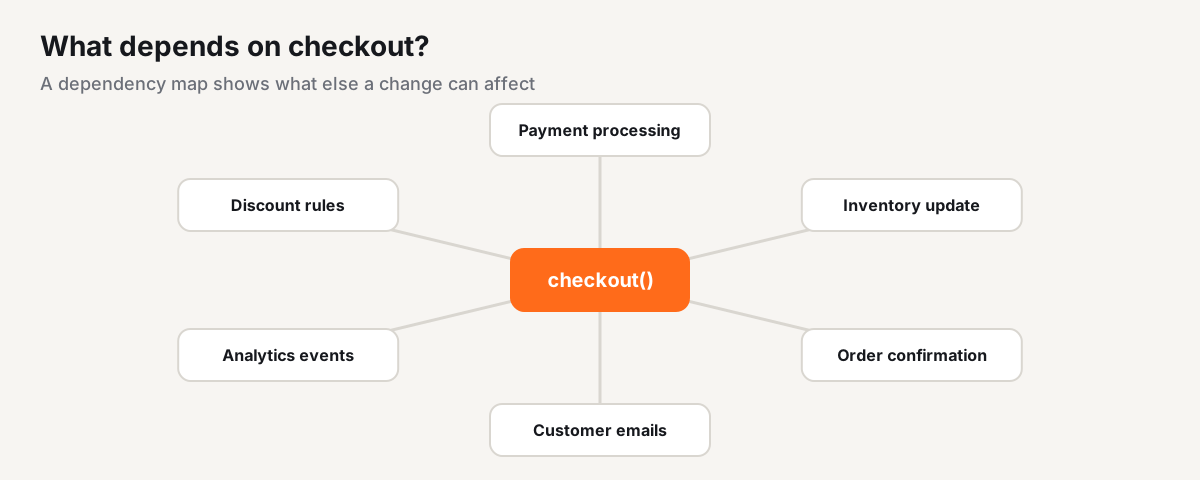
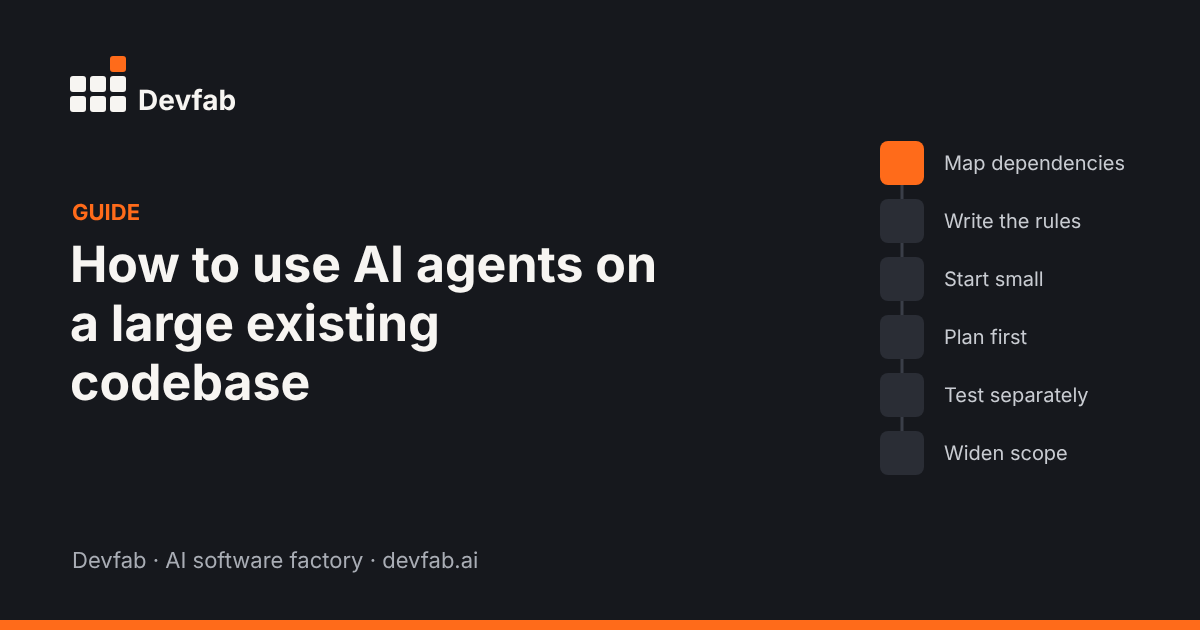
Step 1: Map the dependencies
Before agents change anything, they need to know what calls what. For example, in an e-commerce app, the checkout function also triggers payment processing, inventory updates, order confirmation and customer emails. Change checkout without that map and you risk breaking the emails.
A dependency map shows, for each function and API, what calls it and what it calls, and ideally what's actually deployed and running today.
Step 2: Write down the rules that aren't in the code
Every codebase has unwritten rules: "never change the invoice format", "the mobile app still uses v1 of this API", "this table is shared with finance". Put them in a short project instructions file the agents read on every task.
Step 3: Start with small, low-risk tasks
Good first tasks: adding tests to untested code, fixing small, well-reported bugs, updating a dependency, improving error messages. Avoid core flows (payments, authentication) until the agents have a track record on your code.
Step 4: Plan before each change
For anything beyond a one-line fix, ask for a plan: which files, which functions, which dependents are affected, and how it'll be tested. Review it before code is written.
Step 5: Test separately, including the flows around the change
Run the existing test suite, add tests for the change, and run flow tests for the journeys that touch the changed code. The agent that made the change shouldn't be the only one checking it.
Step 6: Keep changes small and reviewable
One concern per pull request. Large, mixed changes are hard to review and hard to roll back.
Step 7: Widen scope as trust grows
Track how often agent changes are reverted or reworked. As that falls, give agents bigger tasks and more of the backlog.
How Devfab handles existing codebases
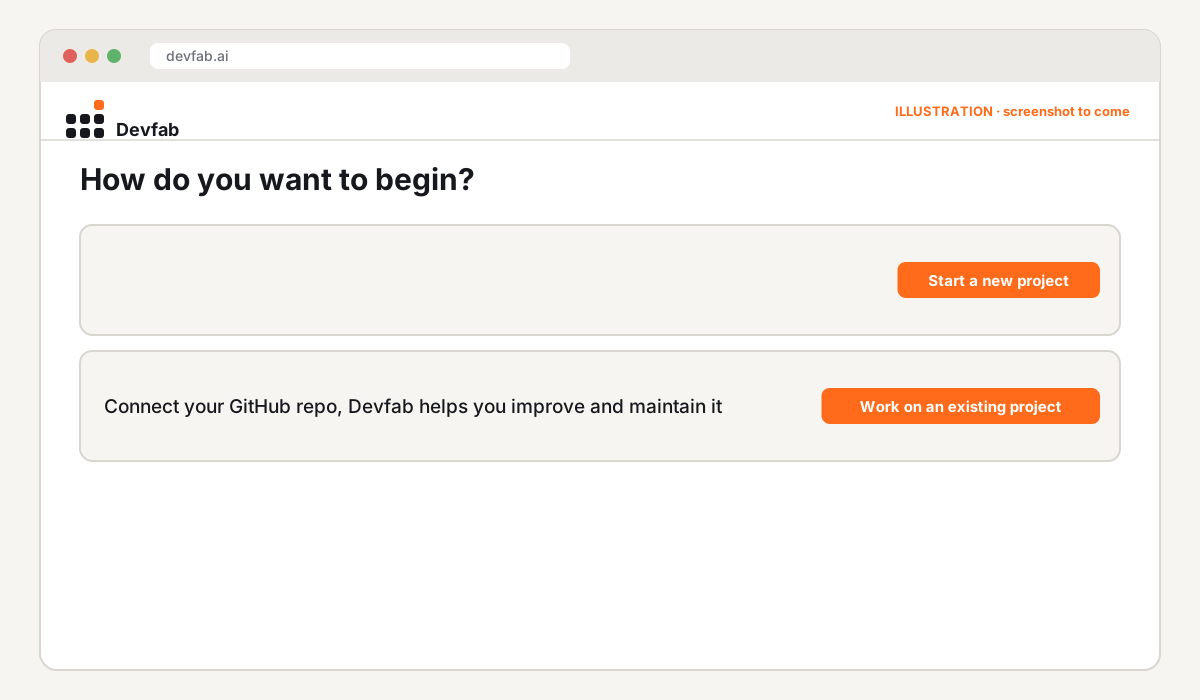
In Devfab you can choose Work on an existing project and connect a GitHub repo instead of starting from scratch.
- ChainFlow, Devfab's code-intelligence layer, maps which APIs and functions call each other and tracks what's deployed and running, so developer agents can see the impact of a change before they make it.
- The Planner proposes each change as a plan you approve.
- The QA agent reviews every ticket, including UI and flow tests.
- User feedback becomes tickets through the feedback loop.
Common mistakes
- Letting agents loose on the whole backlog on day one.
- No dependency map, so "correct" changes break connected features.
- Unwritten rules the agent can't know about.
- Huge pull requests nobody can review.
- Testing only the changed function, not the flows around it.
Checklist
- [ ] Dependency map in place
- [ ] Project rules written down
- [ ] First tasks are small and low-risk
- [ ] Plan reviewed before each change
- [ ] Separate tests, including flows around the change
- [ ] One concern per pull request
- [ ] Revert and rework rate tracked
FAQ
Can AI agents understand a legacy codebase?
They can read and explain it, but they need help with context they can't see: unwritten rules, what's deployed, and how distant parts connect. A dependency map and a rules file close most of that gap.
What should AI agents do first on an existing codebase?
Add tests to untested code and fix small, well-reported bugs. Both build a safety net and show how reliable the agents are on your code.
How do I stop an agent's change from breaking something else?
Check dependents before the change, test the flows around it afterwards, and keep each change small enough to review.
Read next
- How AI agents handle bug reports from customers
- How to measure AI developer productivity
- What is an AI software factory?
Frequently asked questions
Can AI agents understand a legacy codebase?
They can read and explain it, but they need help with context they can't see: unwritten rules, what's deployed, and how distant parts connect. A dependency map and a rules file close most of that gap.
What should AI agents do first on an existing codebase?
Add tests to untested code and fix small, well-reported bugs. Both build a safety net and show how reliable the agents are on your code.
How do I stop an agent's change from breaking something else?
Check dependents before the change, test the flows around it afterwards, and keep each change small enough to review.