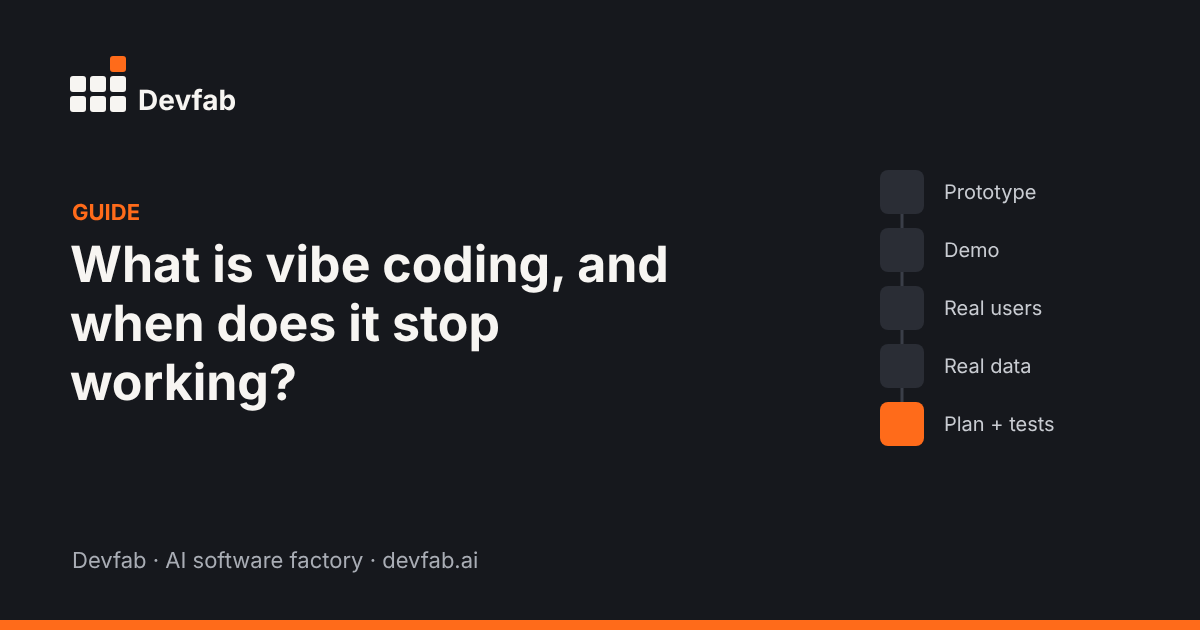
Short answer: Vibe coding is building software by describing what you want to an AI, running what it produces, and prompting again until it feels right, usually without reading the code closely. It works well for prototypes, demos and personal tools. It stops working when the app has real users, real data, more than one person changing it, or changes that break things you didn't touch.
Where the term comes from
The phrase was popularised by AI researcher Andrej Karpathy in early 2025, describing a way of coding where you "fully give in to the vibes" and let the AI handle the code. It spread quickly because it named something many people were already doing with AI app builders and coding assistants.
Where vibe coding works
Vibe coding is a good choice when speed matters more than durability:
- Prototypes to test whether an idea is worth building
- Demos for a pitch or a client conversation
- Personal tools only you will use
- Learning, to see how something could work
- Throwaway scripts for a one-off job
In these cases, if the code is messy or breaks next month, the cost is small.
Signs vibe coding has stopped working
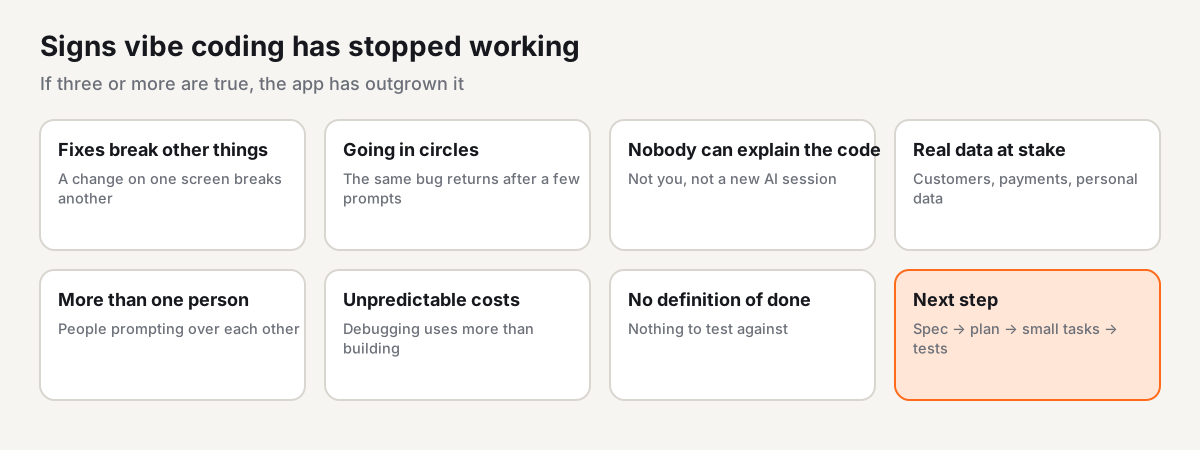
- Fixes break other things. You ask for a change on one screen and something unrelated stops working.
- You're going in circles. The same bug comes back after two or three prompts.
- Nobody can explain the code. Not you, not the AI in a new session, not a developer you bring in.
- Real data is at stake. Customer records, payments or personal data are now in the app.
- More than one person changes it. Two people prompting the same app without a plan overwrite each other's work.
- Costs are unpredictable. Debugging loops use more credits than building did.
- You can't say what "done" means. There's no list of what the app must do, so there's no way to test it.
If three or more of these are true, the app has outgrown vibe coding.
Step by step: moving from vibe coding to a real build
Step 1: Write down what the app must do
Turn the prototype into a one-page spec: the problem, users and roles, up to five must-have flows, the data, the rules, and what "done" means for each flow. The prototype is a great input: walk through it and write what each screen is for.
Step 2: Get a plan before more code
Ask for an implementation plan, covering screens, data model, task order and risks, and read it before anything is built. Wrong assumptions are cheapest to fix in a plan.
Step 3: Split work into small tasks
Small tasks can be built, reviewed and tested one at a time. That's what stops "fix one thing, break another".
Step 4: Test separately from building
Use tests that click through the real flows, plus logic tests. The AI that wrote a change shouldn't be the only one judging it.
Step 5: Put the code where you own it
Move the code into your own repository and deploy to infrastructure you control, so you're not locked into one tool.
Step 6: Keep a loop for changes
Users will report bugs and ask for changes. Route them into the same task list, so every change goes through plan, build and test.
How Devfab handles the move
Devfab is an AI software factory built for the point where vibe coding stops working. You can start a new project from a description, or connect the existing repo of an app you vibe coded.
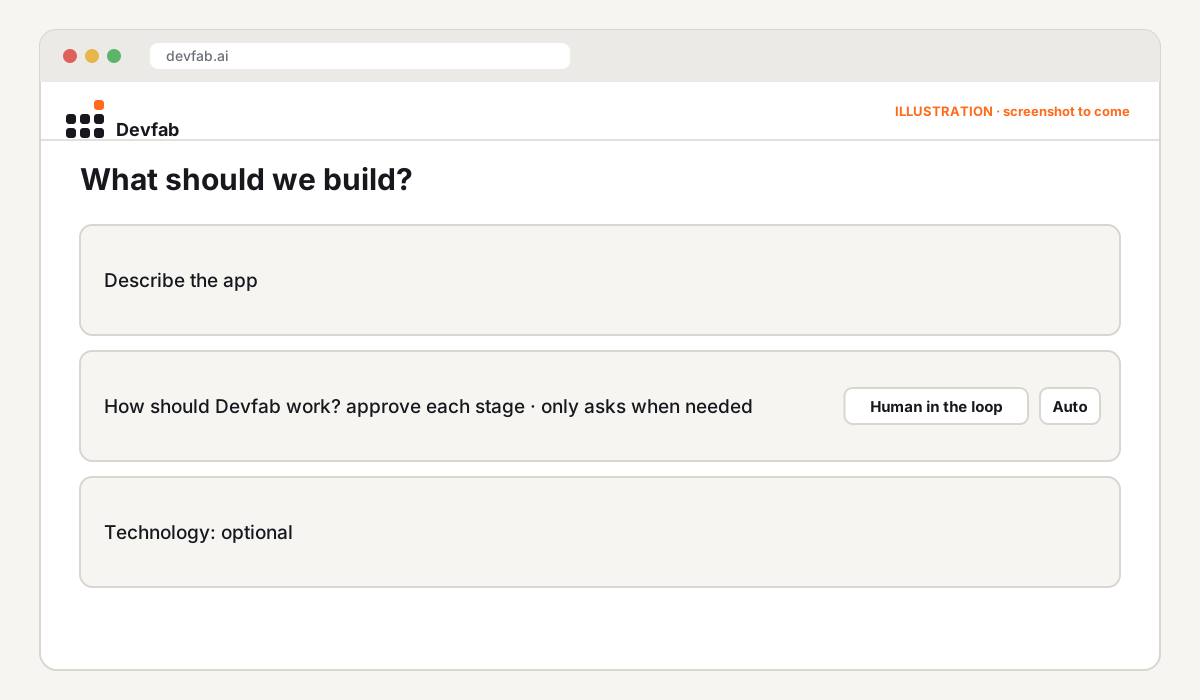
- Human in the loop mode means you review and approve each stage before the next one starts.
- The Planner writes a plan you approve; the Coordinator splits it into tickets for developer agents.
- The QA agent reviews every ticket before it's done, including UI and flow tests.
- ChainFlow maps which functions call which, so agents see the impact of a change before making it.
- The code lives in your own GitHub account or organisation.
Common mistakes
- Shipping the prototype as the product. Treat it as a spec, not a foundation.
- Prompting harder instead of planning. More prompts rarely fix a missing plan.
- Skipping tests because "it works when I click it".
- Letting several people prompt the same app without a shared task list.
Checklist
- [ ] One-page spec written from the prototype
- [ ] Plan reviewed before more code
- [ ] Work split into small tasks
- [ ] Flow and logic tests run separately from building
- [ ] Code in your own repository
- [ ] Changes and bug reports go through one task list
FAQ
Is vibe coding bad?
No. It's a fast way to explore ideas and build personal tools. The problems start when a vibe-coded app becomes something people depend on without a plan, tests or clear ownership.
Can a vibe-coded app become a production app?
Sometimes, but usually parts of it need rebuilding. Use the prototype to write a spec, then build the production version from an approved plan with tests.
Do I need to learn to code to move beyond vibe coding?
Not necessarily. You need to describe clearly what the app must do and review plans and test results. Agents and developers can handle the code.
Read next
- Prototype vs MVP vs production app
- How to review a plan written by an AI agent
- What is an AI software factory?
Frequently asked questions
Is vibe coding bad?
No. It's a fast way to explore ideas and build personal tools. The problems start when a vibe-coded app becomes something people depend on without a plan, tests or clear ownership.
Can a vibe-coded app become a production app?
Sometimes, but usually parts of it need rebuilding. Use the prototype to write a spec, then build the production version from an approved plan with tests.
Do I need to learn to code to move beyond vibe coding?
Not necessarily. You need to describe clearly what the app must do and review plans and test results. Agents and developers can handle the code.