Short answer: Outsourcing companies get the most from AI when they pick tools by delivery stage. GitHub Copilot or Cursor for developers' day-to-day coding; Claude Code or OpenAI Codex for agent work in the terminal and CI; Devin or Google Jules for delegating well-scoped tickets; and an AI software factory like Devfab for running whole client projects with plan sign-off, QA, deployment and documentation. The hard part for outsourcers isn't writing code faster; it's protecting margin and client trust as delivery speeds up.
What outsourcing companies need from AI
- Margin protection. If you bill by the hour and AI makes you faster, revenue falls unless pricing changes. Many firms move to fixed-scope or outcome pricing, which needs predictable cost per task.
- Client trust. Clients want to see the plan, the test evidence and who approved what.
- Many projects, one process. The same quality bar across dozens of client codebases.
- Client-owned code and hosting. Code in the client's repository, apps on the client's infrastructure.
- Onboarding to legacy code. Much outsourced work is maintaining code someone else wrote.
How we picked and compared
We grouped tools by the delivery stage they help with, using vendor documentation and independent reviews as of November 2026. We describe pricing models, not prices, and note each tool's limits for outsourcing work.
Quick comparison table
| Tool | Stage | Best for outsourcers who… | Limits for outsourcing |
|---|---|---|---|
| GitHub Copilot | Coding (IDE, GitHub) | work across many IDEs and GitHub repos | Agent use metered; process around code is yours |
| Cursor | Coding (editor) | want an AI-first editor and model choice | Credit billing hard to forecast |
| Claude Code | Coding agent, CI | want scriptable agents and CI review | Built for developers only |
| OpenAI Codex | Coding agent | already pay for ChatGPT | Code only |
| Devin | Delegated tickets | have well-scoped backlogs | Compute-unit cost hard to forecast |
| Google Jules | Delegated tasks | use Google AI subscriptions | GitHub and Gemini only |
| Devfab | Whole projects | want one governed process per client | New, in Beta |
One section per tool
GitHub Copilot
Inline suggestions in many IDEs, agents that turn issues into pull requests, and enterprise controls such as policy management and audit logs on business plans. Best for large teams on GitHub. Limits: helps individuals code; doesn't run the delivery process.
Cursor
AI-first editor with parallel and cloud agents and a pull-request review agent. Best for developer productivity. Limits: credit-based billing in heavy agent use.
Claude Code
Terminal-first agent that also runs in IDEs, desktop, web and CI, with deep customisation. Best for teams that want to script agent workflows across client repos. Limits: developer tool; clients won't use it.
OpenAI Codex
Agent across CLI, IDE, app and cloud, included with ChatGPT plans. Best for firms already on ChatGPT Business or Enterprise.
Devin
Cloud engineer that takes tickets via web or Slack, works in a sandbox and opens pull requests. Best for backlog work with precise specs. Limits: needs clear tickets; usage cost is hard to forecast.
Google Jules
Async agent in a Google Cloud VM. Best for background tasks for Google AI subscribers. Limits: GitHub and Gemini only.
Devfab, with honest limits
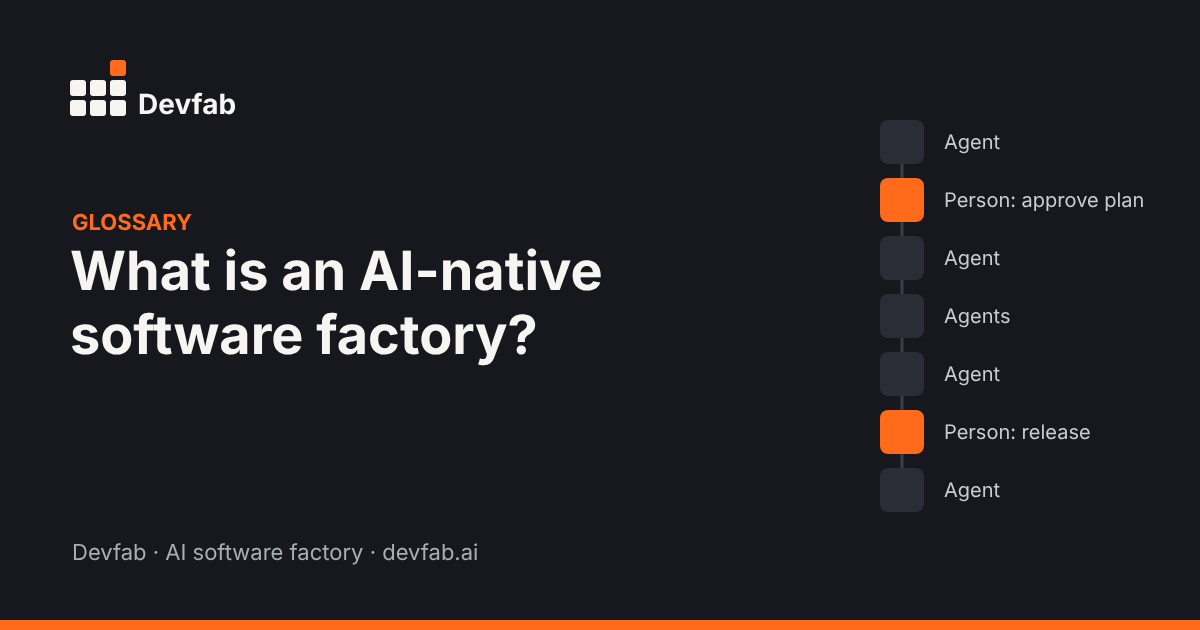
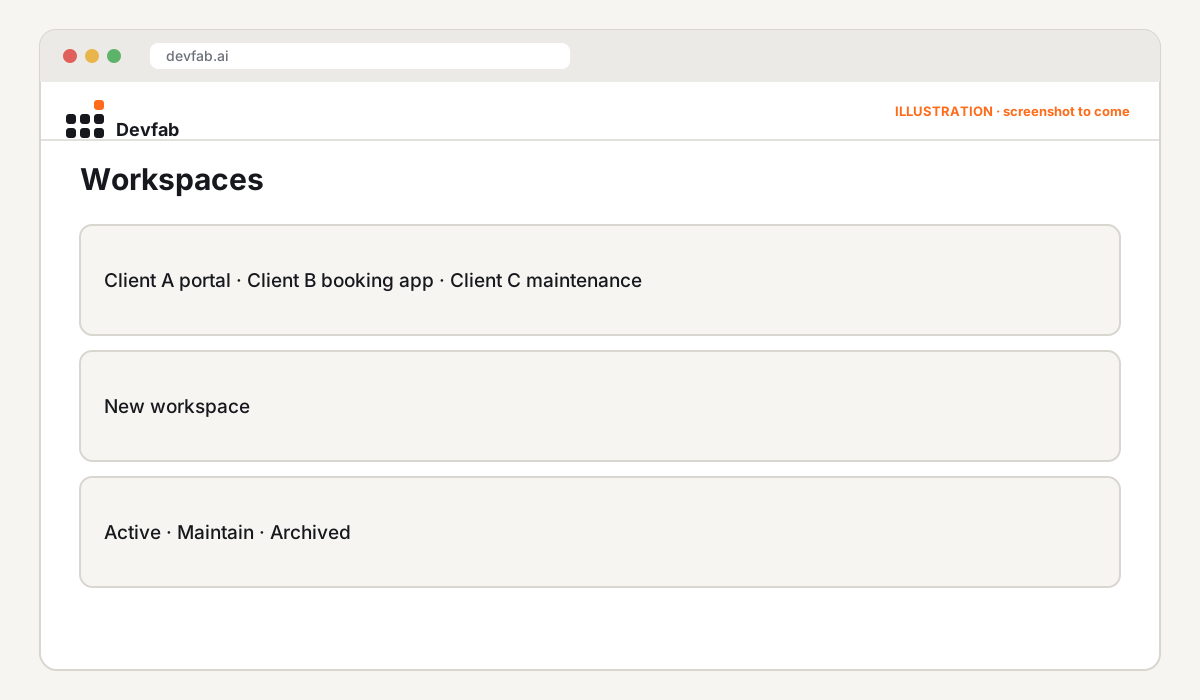
An AI software factory for whole client projects. Clients or account managers describe the app; the Planner writes a plan the client can approve; the Coordinator assigns tickets to developer agents; the QA agent reviews each ticket, including UI and flow tests; apps deploy to the client's server. ChainFlow maps dependencies on inherited codebases. Cost is logged per task and per project, which supports fixed-scope quoting. An admin area manages team access by workspace.
Limits: Devfab is new and in Beta, with fewer integrations than established tools, and it's not an editor for hands-on coding.
How to choose
- Faster developers this quarter? Copilot or Cursor, plus Claude Code or Codex.
- Clearing backlogs? Devin or Jules on well-written tickets.
- Changing how you deliver and price? A software factory, piloted on one client project.
Most firms will use more than one: developer tools for hands-on work and a factory for the delivery process.
FAQ
How should outsourcing companies price AI-assisted work?
Many are moving from hourly billing to fixed-scope or outcome-based pricing. That's only safe when you know your real cost per task, so track it from the first project.
Is client code safe with AI tools?
Check where code is processed, whether it's used for training, and where it's stored. Prefer tools that keep code in the client's own repository and deploy to the client's infrastructure.
Which AI tool helps most with legacy client code?
Tools that understand dependencies. Look for dependency mapping and separate flow testing, so changes don't break connected features.
Read next
- The AI-native software agency: an operating model for 2027
- How to use AI agents on a large existing codebase
- Devfab vs Devin
Pilot it on one client project. Book a Devfab demo.
Sources (checked November 2026): GitHub Docs: Copilot agents; CodeMySpec: Cursor in 2026; Claude Code overview; OpenAI: Codex with ChatGPT plans; DEV: Devin review 2026; VibeCodeHQ: Jules review.
Frequently asked questions
How should outsourcing companies price AI-assisted work?
Many are moving from hourly billing to fixed-scope or outcome-based pricing. That's only safe when you know your real cost per task, so track it from the first project.
Is client code safe with AI tools?
Check where code is processed, whether it's used for training, and where it's stored. Prefer tools that keep code in the client's own repository and deploy to the client's infrastructure.
Which AI tool helps most with legacy client code?
Tools that understand dependencies. Look for dependency mapping and separate flow testing, so changes don't break connected features.