Short answer: We built an appointment booking system for a small dental clinic with Devfab. Patients book a dentist, service and free slot online and get reminders; reception manages the weekly calendar; the admin sets up dentists, services and hours. Below are the exact description we gave Devfab, each step of the setup, the approved plan, the prototype screens, the QA report and the cost logged per task.
What the app does and who uses it
| User | What they do |
|---|---|
| Patient | Picks a dentist, service and free slot; books; reschedules or cancels; gets a confirmation and a 24-hour reminder |
| Reception | Manages the weekly calendar, blocks holidays, books for patients, sees the daily list |
| Clinic admin | Manages dentists, services (with duration) and opening hours |
The one-page spec
This is the description we typed into Devfab, word for word:
An appointment booking app for a small dental clinic. Patients pick a dentist, service and free time slot, book online and get email reminders 24 hours before. Reception staff manage the weekly calendar, block holidays, reschedule or cancel bookings, and see a daily list. Clinic admin manages dentists, services (with duration) and opening hours.
The full one-page version, with rules and "done means", is in our appointment booking requirements template.
Setting up the project
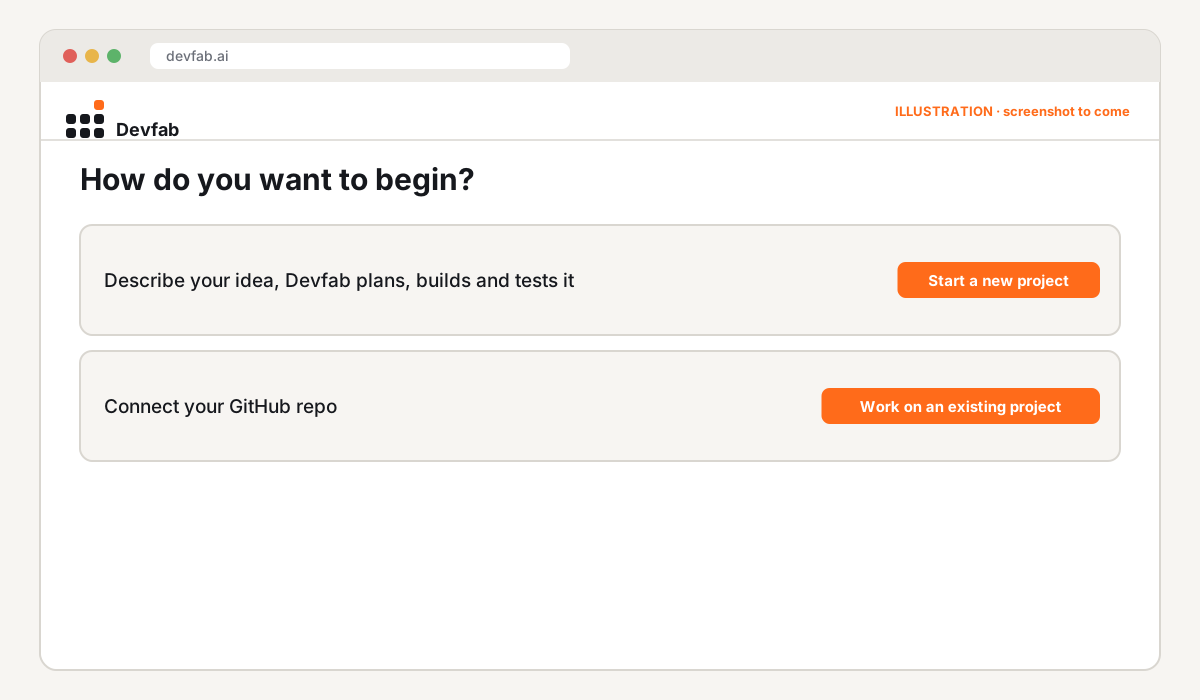
- Start a new project. Devfab asks whether to start new or work on an existing repo.
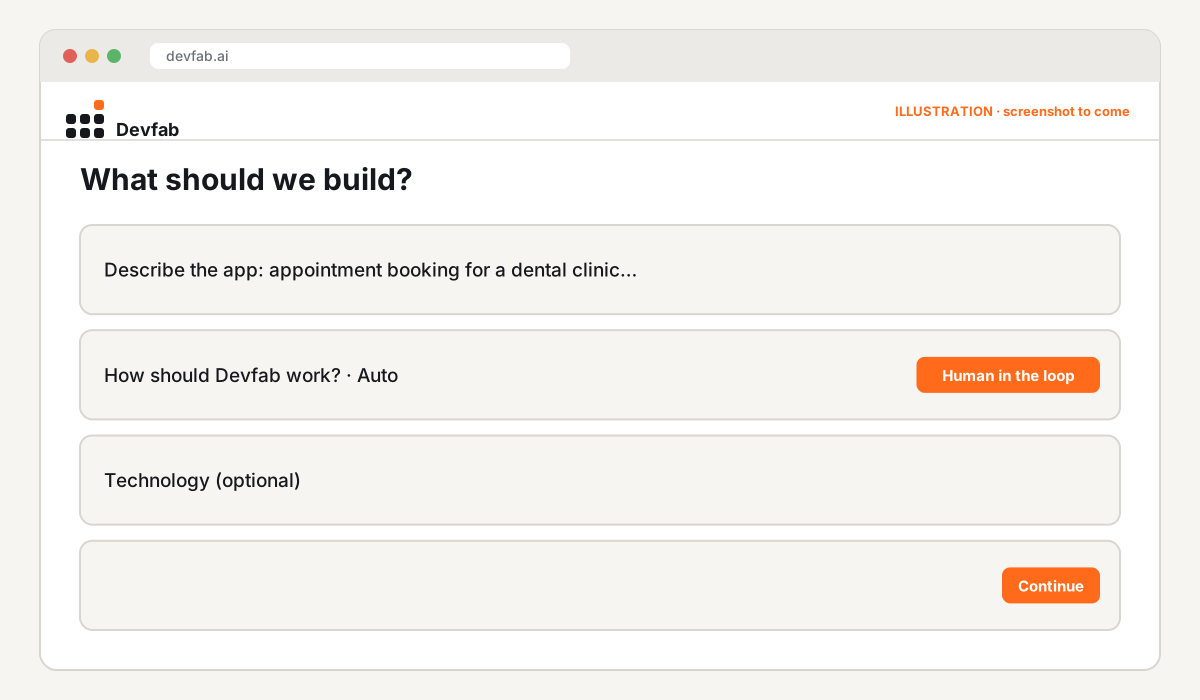
- Describe the app. We pasted the description above. Attaching a spec or screenshots is optional.
- Choose how Devfab works. We kept Human in the loop, so Devfab stops for our approval at each stage. Auto would run through and ask only when needed.
- Technology: optional. We left it to Devfab, which picks a stack that fits (Next.js and TypeScript for web apps).
- Where the repository lives. We chose our own GitHub account; an organisation is also an option.
- Workspace created. Devfab creates the repository, sets up the workspace and creates the agents.
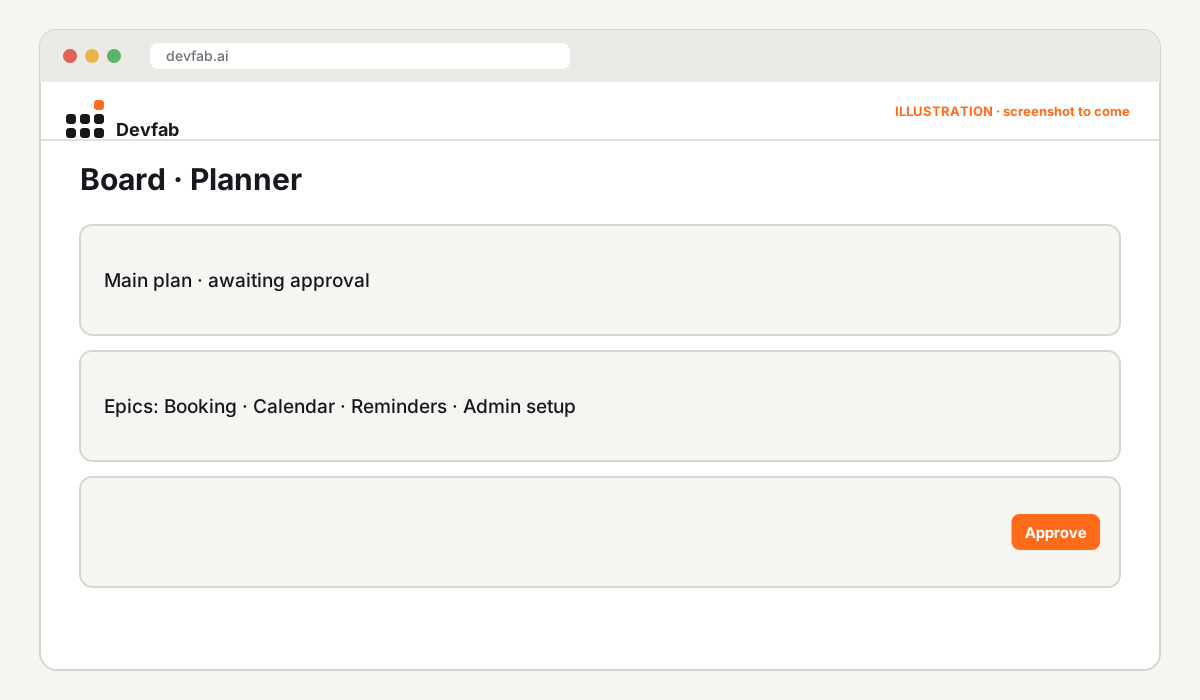
The approved plan
Try it or book a demo
- Code: in our own GitHub account, ready to hand to a clinic.
- Need a booking system? Book a Devfab demo.
FAQ
How long does it take to build a booking system with Devfab?
Setting up the project takes a few minutes. The build time depends on the plan's size and how quickly you approve each stage in Human in the loop mode.
Do I have to choose a programming language?
No. Technology is optional; Devfab picks a stack that fits your description.
Where does the code go?
Into a new repository in your own GitHub account or an organisation you belong to.
Read next
- Appointment booking system requirements template
- How to review a plan written by an AI agent
- Devfab vs Claude Code
Frequently asked questions
How long does it take to build a booking system with Devfab?
Setting up the project takes a few minutes. The build time depends on the plan's size and how quickly you approve each stage in Human in the loop mode.
Do I have to choose a programming language?
No. Technology is optional; Devfab picks a stack that fits your description.
Where does the code go?
Into a new repository in your own GitHub account or an organisation you belong to.