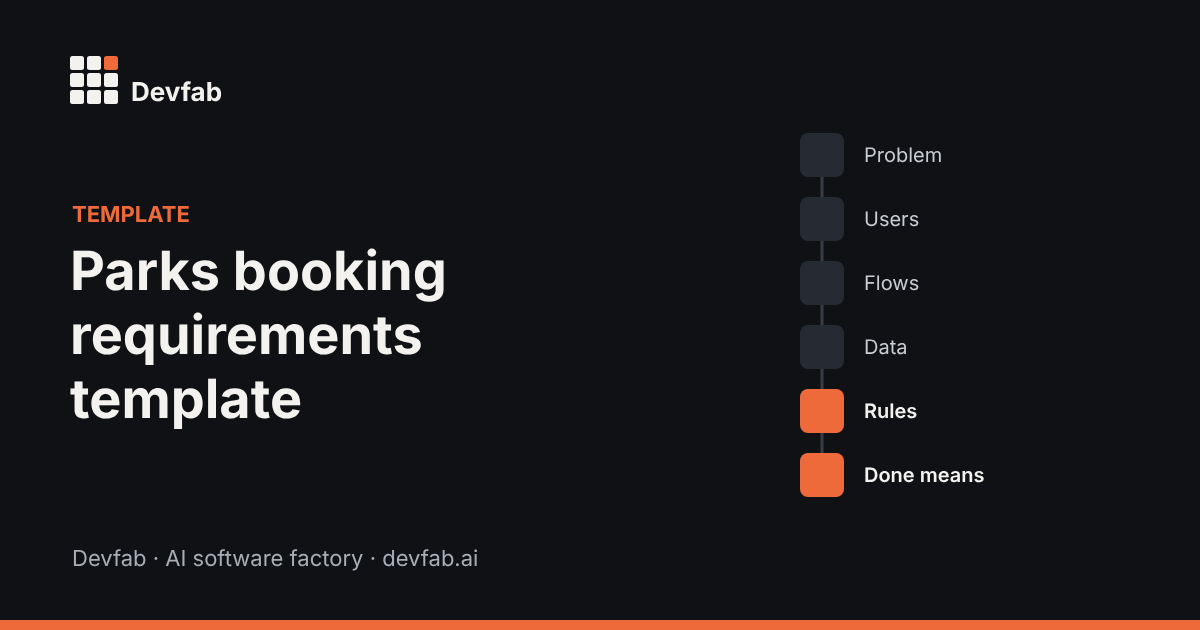
Short answer: A parks and recreation booking system SRS sets out which facilities residents can book, how requests are approved, how fees, deposits and resident rates work, how cancellations are refunded, and what "done" means for each flow. Download the free one-page template, fill in the six sections, and give it to a developer or AI agent to build from.
Download
- Download the template (PDF)
- Google Doc version: Coming soon
How to fill each section
1. Problem
Describe what goes wrong with bookings today: phone calls and paper permit forms, a shared calendar that allows double bookings, deposits tracked by hand, residents who can't see what is free.
2. Users and roles
List each group and what they can do. Usually residents and non-residents (book and pay), parks office staff (approve, issue permits, take payment at the counter), field or maintenance crews (see the daily schedule) and an admin who manages facilities, rates and rules.
3. Must-have flows
Write up to five flows from start to finish: check availability and request a booking, staff approval and permit, payment of fee and deposit, cancellation and refund, staff blocking dates for maintenance or town events. Leave program registration (classes, camps) for a later phase unless it is the main need.
4. Data
Name the records: facilities (shelters, fields, rooms) with capacity and amenities, bookings, permits, customers with resident status, rates, payments, deposits, refunds, blocked dates, staff users.
5. Rules
Booking rules are where these systems differ most. Write down how far ahead residents and non-residents can book, how residency is checked, which bookings need approval, setup and cleanup buffers between bookings, deposit and refund policy, and what happens when weather closes a field.
6. Done means
For each flow, one condition someone can test: "A resident requests the north shelter for a Saturday; staff approve; the resident pays and receives a permit; the slot no longer appears as free."
Filled example: town parks department
- Problem: the parks office takes bookings for 6 picnic shelters, 4 sports fields and 2 community center rooms by phone and paper form; a shared calendar has allowed double bookings; deposits are tracked in a spreadsheet and refunds are slow; residents can't see what is free without calling.
- Users and roles: Resident · Non-resident · Parks office staff (approve, issue permits, counter payments) · Field crew (read-only daily schedule) · Parks admin (facilities, rates, rules, reports).
- Must-have flows:
- A visitor checks the availability calendar by facility and date and requests a booking with event type and expected group size.
- Staff approve or decline with a note; on approval a permit is issued and emailed.
- The customer pays the fee and refundable deposit online, or staff record a payment at the counter.
- The customer cancels a booking and receives a refund according to the policy; staff release the deposit after a post-event check.
- Staff block dates for maintenance or town events; field crews see each day's bookings by site.
- Data: facilities, amenities, capacity, bookings, permits, customers, residency proof, rates, payments, deposits, refunds, blocked dates, staff users.
- Rules: residents can book 90 days ahead, non-residents 60 days; residents pay the resident rate after staff verify an address in town; field bookings need approval, shelter bookings under 50 people are approved automatically; a 1-hour buffer between bookings of the same facility; cancellations more than 14 days ahead get a full refund minus a processing fee, later cancellations lose the fee; deposits are returned after the post-event check; group size can't exceed facility capacity.
- Done means: each flow works on phone and desktop; no facility can be double booked, including buffers; a non-resident can't book beyond 60 days; refunds follow the policy; the field crew schedule matches approved bookings.
The prototype built from this example
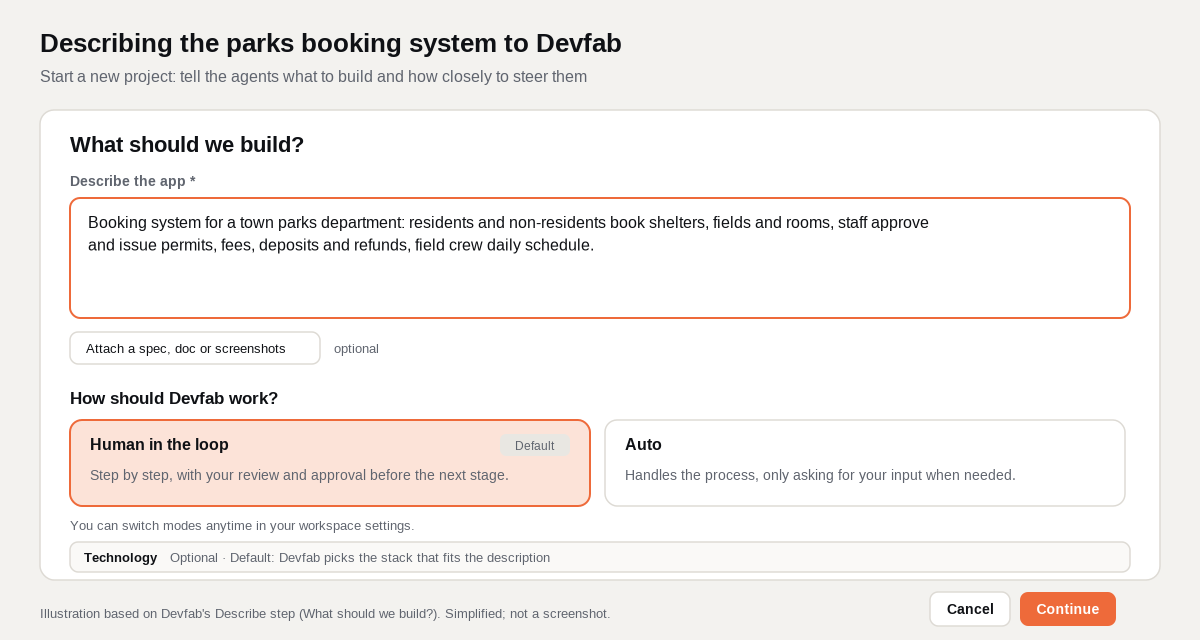
This filled example is the description for Devfab's "What should we build?" step. In Human in the loop mode, a person on the parks team approves the plan before developer agents start. The QA agent then tests the flows above, including the no-double-booking rule, and the app deploys to your own server.
FAQ
What should a parks and recreation booking system include?
A public availability calendar for shelters, fields and rooms, booking requests with staff approval, resident and non-resident rates, fees and deposits, cancellations and refunds, maintenance blocks, and a daily schedule for field crews.
Can the system run on our own servers?
If you build it with Devfab, yes. The code is in your own GitHub account (or your organization's), and the app deploys to your own server. If you hand the template to another vendor, ask them the same question.
Can I use this template with any developer or tool?
Yes. It's tool-neutral. Hand the filled template to your IT team, a vendor or an AI agent.
Read next
- Build an appointment booking system with AI agents
- What is an AI software factory?
- 311 service request portal requirements template
Turn this template into a working prototype. Try the Devfab Beta
Frequently asked questions
What should a parks and recreation booking system include?
A public availability calendar for shelters, fields and rooms, booking requests with staff approval, resident and non-resident rates, fees and deposits, cancellations and refunds, maintenance blocks, and a daily schedule for field crews.
Can the system run on our own servers?
If you build it with Devfab, yes. The code is in your own GitHub account (or your organization's), and the app deploys to your own server. If you hand the template to another vendor, ask them the same question.
Can I use this template with any developer or tool?
Yes. It's tool-neutral. Hand the filled template to your IT team, a vendor or an AI agent.