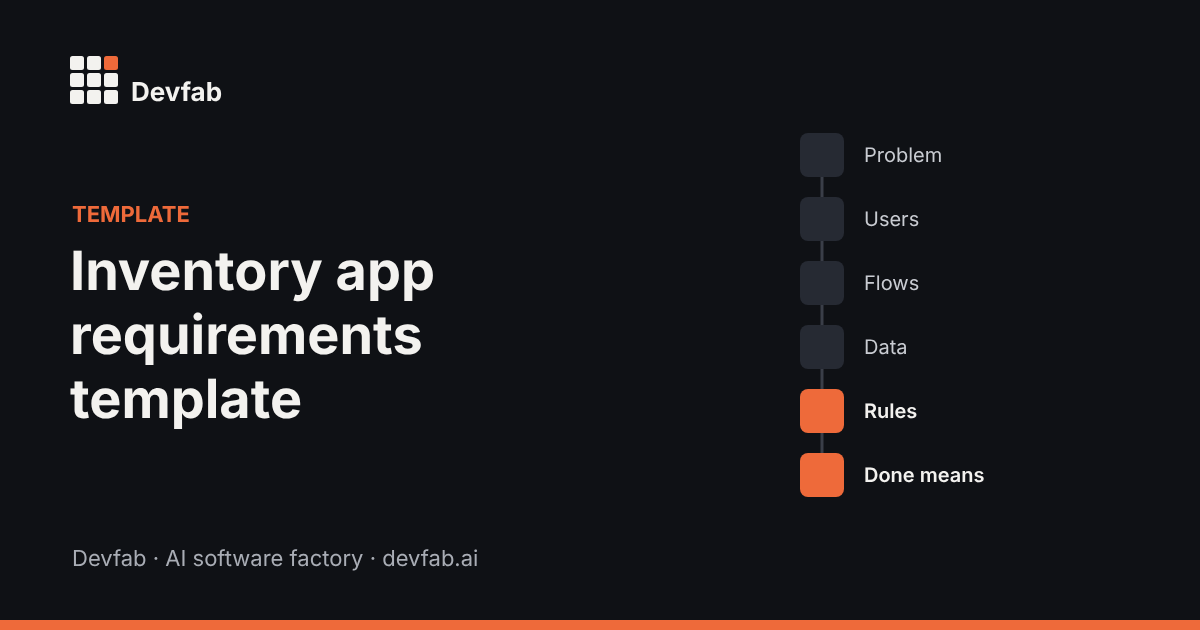
Short answer: An inventory management app SRS sets out which products and locations you track, how stock comes in, moves and goes out, who can adjust counts, when to reorder, and what "done" means for each flow. Download the free one-page template, fill in the six sections, and give it to a developer or AI agent to build from.
Download
- Download the template (PDF)
- Google Doc version: Coming soon
How to fill each section
1. Problem
Describe what goes wrong with stock today. Common answers: counts live in a spreadsheet that is always out of date, items run out without warning, and nobody can say where a missing box went.
2. Users and roles
List who touches stock and what they may change. Typical roles are warehouse or stockroom staff (receive, pick, count on a phone), store or site managers (transfers, adjustments), a buyer or owner (purchase orders, reports) and an admin.
3. Must-have flows
Pick up to five flows and write each from start to finish: receive stock against a purchase order, transfer between locations, record an adjustment, reorder when stock is low, run a stock count. Put sales channel integrations on a "later" list unless you can't launch without them.
4. Data
Name the records: products, SKUs and barcodes, locations and bins, suppliers, purchase orders, stock movements, counts, users. Decide early whether you need batch numbers, expiry dates or serial numbers, because they change the data model.
5. Rules
Write how stock is calculated and who can change it. Is stock the sum of movements, or a number people edit? Do adjustments need a reason? Is negative stock allowed? What is the reorder point per product and location? What happens to stock in transit?
6. Done means
For each flow, one condition someone can test: "Receiving 24 units against a purchase order raises stock at that location by 24 and marks the line as received."
Filled example: two-location home goods retailer
- Problem: a home goods retailer with one shop and one small warehouse tracks stock in a spreadsheet; popular items run out without warning; online orders sometimes sell items that are not on the shelf; the yearly count never matches the spreadsheet.
- Users and roles: Stock staff (receive, pick and count with a phone camera as barcode scanner) · Shop manager (transfers, adjustments, sees both locations) · Owner (purchase orders, suppliers, reports) · Admin (users and settings).
- Must-have flows:
- Stock staff receive a delivery against a purchase order by scanning barcodes, and note short or damaged items.
- The shop manager requests a transfer from the warehouse; stock shows as in transit until the shop confirms receipt.
- Staff record an adjustment (damaged, lost, found, sold in store) with a reason.
- When stock at a location falls below its reorder point, the owner sees a low-stock list and creates a draft purchase order from it.
- Staff run a cycle count for one aisle or category; differences are shown for manager approval before stock changes.
- Data: products, SKUs, barcodes, locations, bins, suppliers, purchase orders, purchase order lines, stock movements, transfers, counts, users.
- Rules: stock is always the sum of movements and is never edited directly; every adjustment needs a reason and a user; stock can't go below zero; reorder points are set per product per location; stock in transit belongs to neither location until received; count differences need manager approval.
- Done means: each flow works on phone and desktop; stock at each location equals the sum of its movements; no flow can make stock negative; a low-stock product appears on the list and can become a draft purchase order; an approved count difference creates an adjustment with the counter's name.
The prototype built from this example
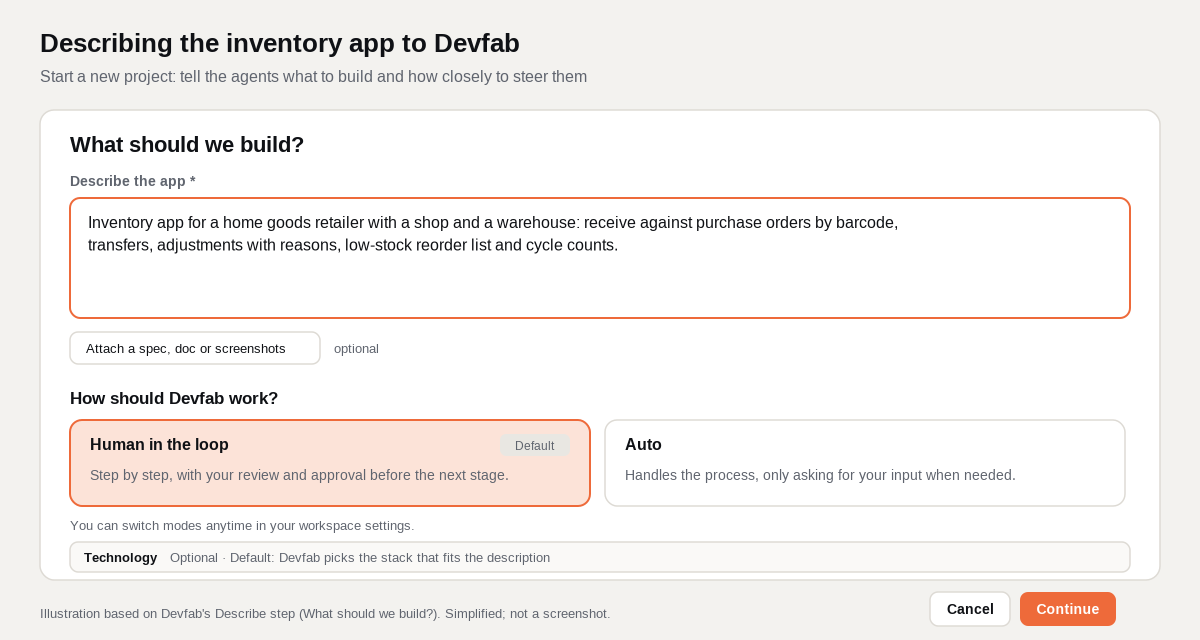
This filled example is the description for Devfab's "What should we build?" step. In Human in the loop mode, a person approves the plan before developer agents start, and the QA agent tests the flows above, including the "never negative" rule.
FAQ
What features does an inventory management app need?
Products with SKUs and barcodes, stock by location, receiving against purchase orders, transfers, adjustments with reasons, low-stock alerts, stock counts and a history of every movement.
Why record stock movements instead of editing stock levels?
A level that anyone can overwrite can't be audited. If stock is the sum of receipts, sales, transfers and adjustments, every number can be traced back to who changed it and why.
Can I use this template with any developer or tool?
Yes. It's tool-neutral. Hand the filled template to a developer, an agency or an AI agent.
Read next
- Build a restaurant ordering app with AI agents
- What is an AI software factory?
- Field service work order app requirements template
Turn this template into a working prototype. Try the Devfab Beta
Frequently asked questions
What features does an inventory management app need?
Products with SKUs and barcodes, stock by location, receiving against purchase orders, transfers, adjustments with reasons, low-stock alerts, stock counts and a history of every movement.
Why record stock movements instead of editing stock levels?
A level that anyone can overwrite can't be audited. If stock is the sum of receipts, sales, transfers and adjustments, every number can be traced back to who changed it and why.
Can I use this template with any developer or tool?
Yes. It's tool-neutral. Hand the filled template to a developer, an agency or an AI agent.