Short answer: A 311 portal lets residents report non-emergency issues with a photo and location, routes each request to the right department, and keeps residents updated until it's closed. With Devfab, a city team describes the portal, approves the Planner's plan, and developer and QA agents build and test it in the city's own GitHub repository, for deployment on the city's own servers. This page shows the spec, plan, screens and test report.
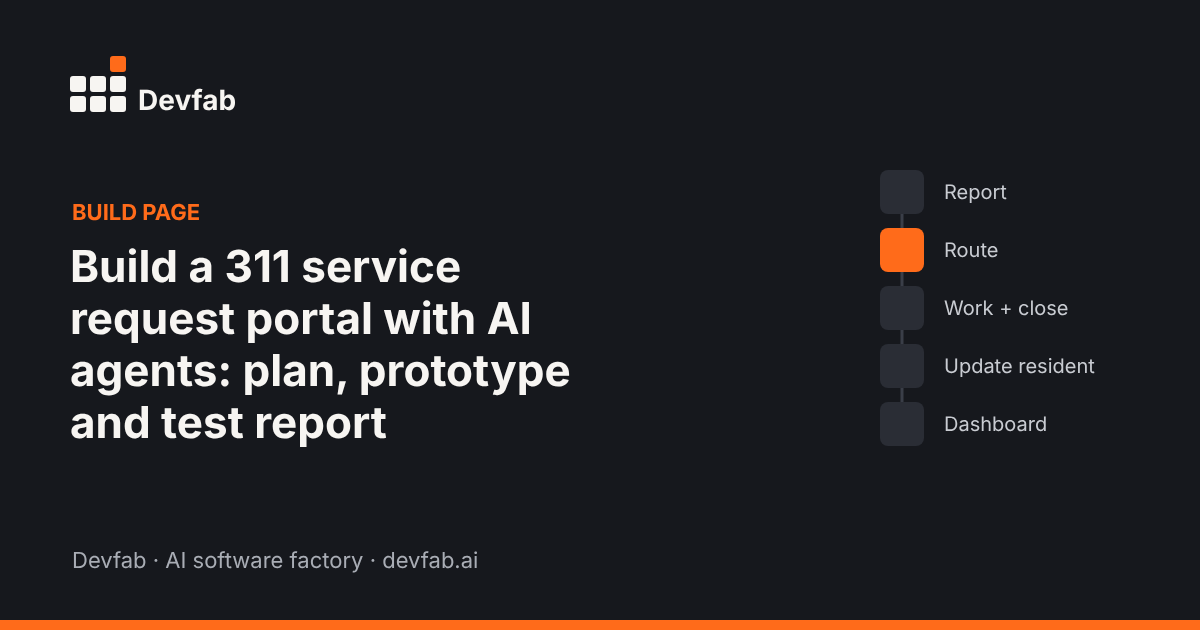
What the app does and who uses it
| User | What they do |
|---|---|
| Resident | Reports an issue (category, map pin, photo), tracks it by number, gets status emails |
| 311 clerk | Triages, re-routes, merges duplicates, takes phone reports |
| Department staff | Works requests, updates status with notes |
| Department lead | Assigns staff, sees open requests and response times |
| Admin | Manages categories, routing rules and users |
The one-page spec
The spec is the filled example in our 311 service request portal requirements template: five must-have flows (report, route, work and close, resident updates, dashboard), anonymous reports allowed, duplicate detection within 50 metres and 7 days, response targets per category, and WCAG 2.1 AA accessibility.
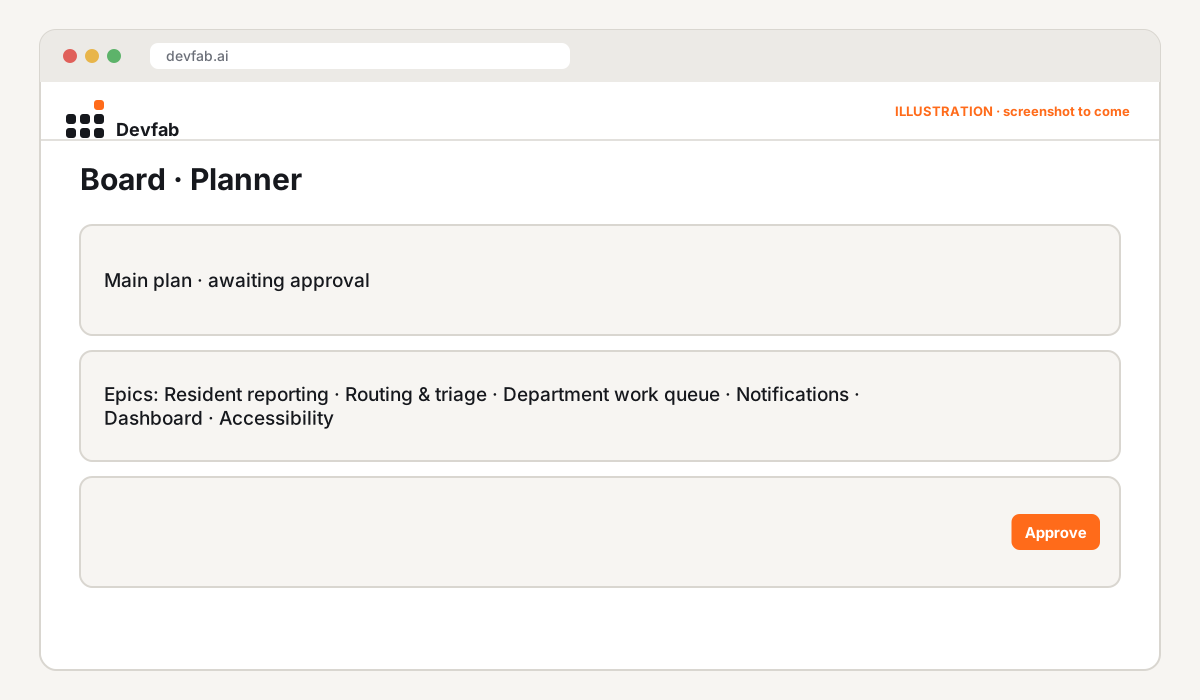
The approved plan
Before planning, Devfab's Researcher maps the domain: common 311 categories, routing patterns, accessibility expectations for public-sector sites and the terms staff use. The Planner then writes the plan, and the city's project lead reviews it.
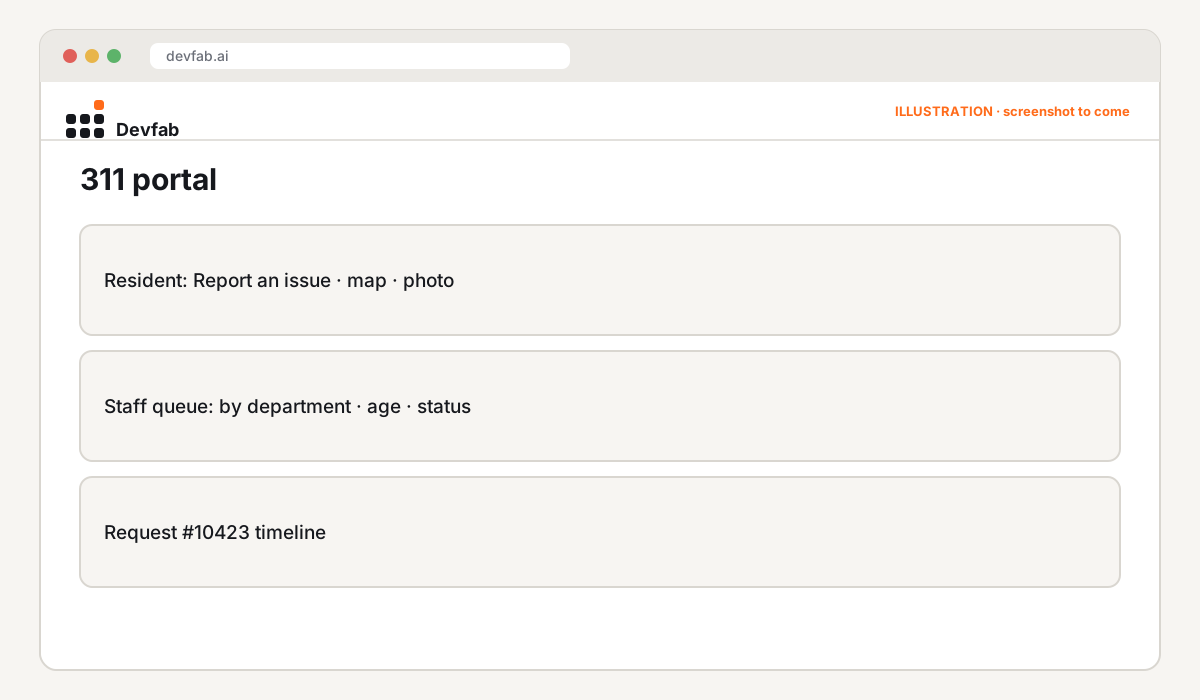
Screens and prototype
QA report
The QA agent reviews every ticket, including flow tests from report to closure, routing rules for each category, and keyboard and screen-reader checks on resident pages.
Try it or book a demo
- Your servers, your code: the repository is in the city's own GitHub organisation, and the portal deploys to the city's own servers.
- Local government teams: book a Devfab demo to see a portal built from your current categories and departments.
FAQ
Can the portal integrate with our existing systems?
Integrations (for example with an asset management or work order system) can be added as tickets once the core portal is working. List them in the spec's rules section.
How is accessibility handled?
Accessibility is a rule in the spec, and the QA agent's checks include keyboard and screen-reader flows. Have your accessibility lead review the test report.
Who owns the code and data?
The city: the code is in its own GitHub organisation and the app runs on its own servers.
Read next
- 311 service request portal requirements template
- Build a public works asset tracker with AI agents
- Devfab vs Devin
Frequently asked questions
Can the portal integrate with our existing systems?
Integrations (for example with an asset management or work order system) can be added as tickets once the core portal is working. List them in the spec's rules section.
How is accessibility handled?
Accessibility is a rule in the spec, and the QA agent's checks include keyboard and screen-reader flows. Have your accessibility lead review the test report.
Who owns the code and data?
The city: the code is in its own GitHub organisation and the app runs on its own servers.