Short answer: A school enrollment portal lets families apply online, upload documents and track their application, while school staff review, request missing items and confirm places. With Devfab, the school or district describes the portal, approves the Planner's plan, and developer and QA agents build and test it in the school's own GitHub repository, for deployment on its own servers.
What the app does and who uses it
| User | What they do |
|---|---|
| Parent or guardian | Creates an account, applies for one or more children, uploads documents, tracks status, accepts a place |
| Enrollment officer | Reviews applications, requests missing documents, approves, waitlists or declines |
| School admin | Manages grades, capacity, intake windows, required documents and users |
The one-page spec
- Problem: paper forms and email attachments; staff chase missing documents by phone; families don't know where their application stands.
- Users and roles: parent/guardian, enrollment officer, school admin. Families only see their own applications.
- Must-have flows:
- Family applies for a child: details, grade, preferred start date, required documents
- Officer reviews, requests missing documents with a message, and decides
- Family gets an email at each status change and can respond to requests
- Family accepts or declines an offered place
- Admin sets grades, capacity, intake dates and required documents; sees a capacity dashboard
- Data: families, children, applications, documents, grades, capacity, intake windows, decisions, messages.
- Rules: applications only open in intake windows; capacity per grade with a waitlist; documents are private to the family and enrollment staff; personal data retention period set by the school.
- Done means: each flow works on phone and desktop; no family can see another family's data; capacity and waitlist update correctly when places are accepted or declined.
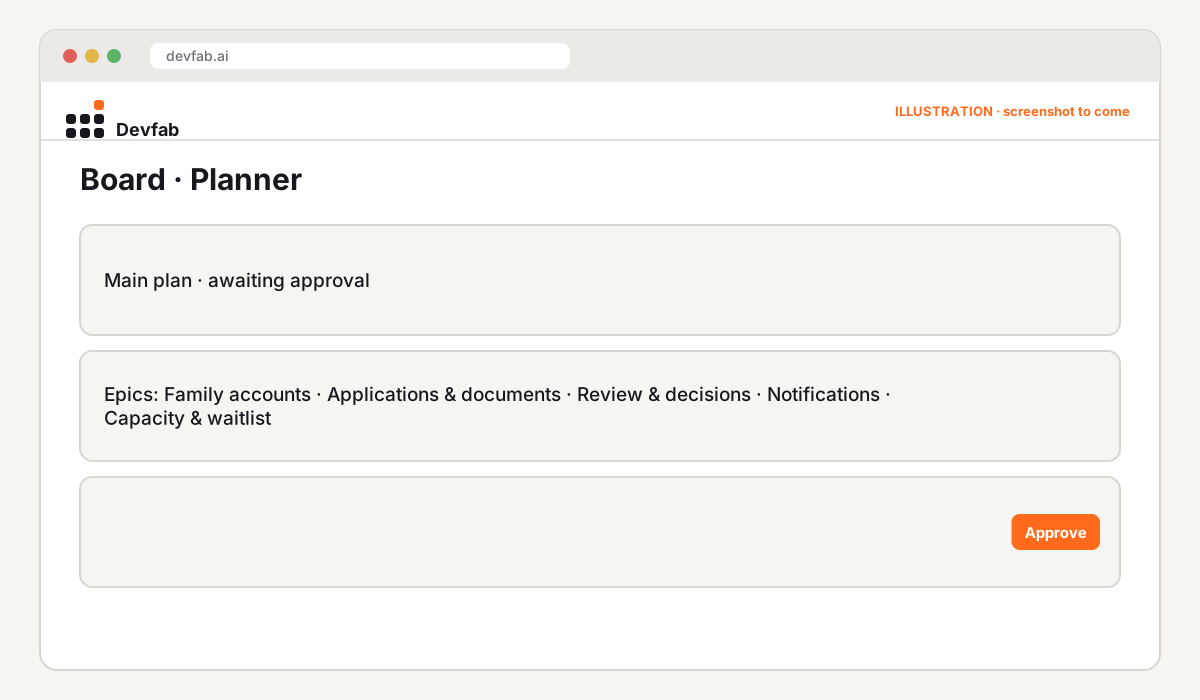
The approved plan
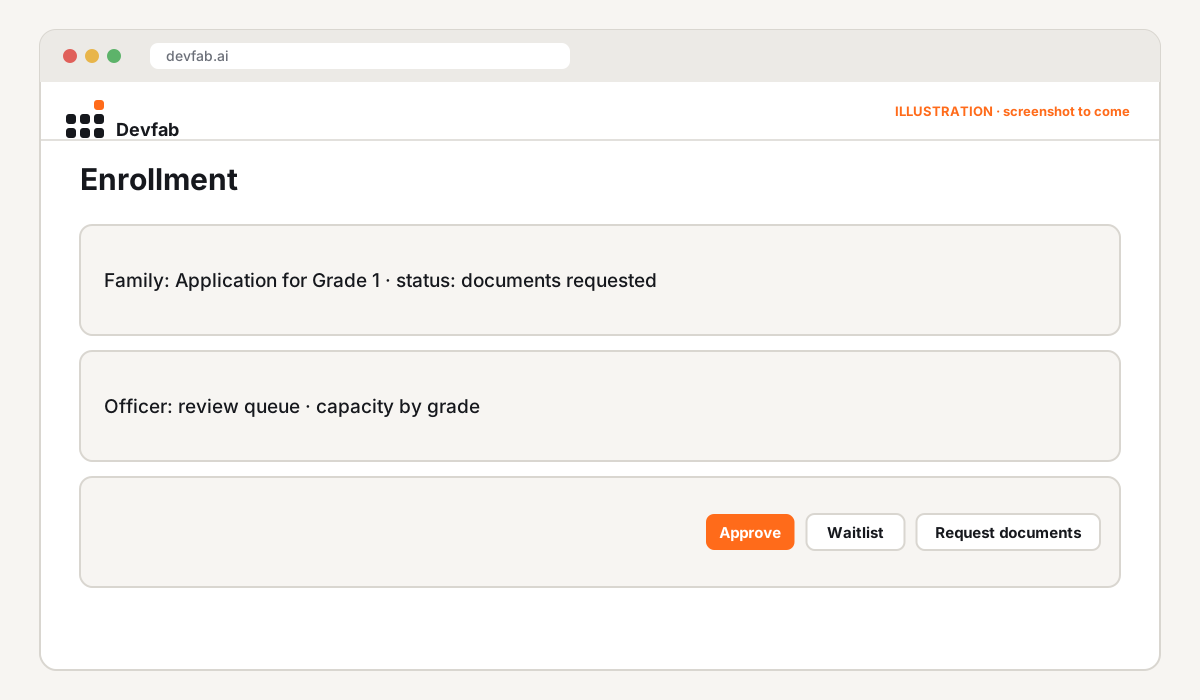
Screens and prototype
QA report
The QA agent reviews every ticket, including flow tests that sign in as two families to confirm data separation, and capacity tests that accept and decline places to check the waitlist.
Try it or book a demo
- Your code, your servers: the repository lives in the school's or district's GitHub, and the portal runs on its own servers.
- Schools and districts: book a Devfab demo.
FAQ
How is student data protected?
Data separation and document privacy are rules in the spec and are tested by the QA agent. Because the portal runs on the school's own servers, the school controls where data is stored. Check your local student privacy requirements with your data protection lead.
Can it handle several schools in a district?
Yes, add schools as a level above grades in the spec, with capacity and staff per school.
Can families apply in more than one language?
Add the languages you need to the spec's rules; translations become tickets in the plan.
Read next
- Build a client portal with AI agents
- Build a 311 service request portal with AI agents
- Prototype vs MVP vs production app
Frequently asked questions
How is student data protected?
Data separation and document privacy are rules in the spec and are tested by the QA agent. Because the portal runs on the school's own servers, the school controls where data is stored. Check your local student privacy requirements with your data protection lead.
Can it handle several schools in a district?
Yes, add schools as a level above grades in the spec, with capacity and staff per school.
Can families apply in more than one language?
Add the languages you need to the spec's rules; translations become tickets in the plan.