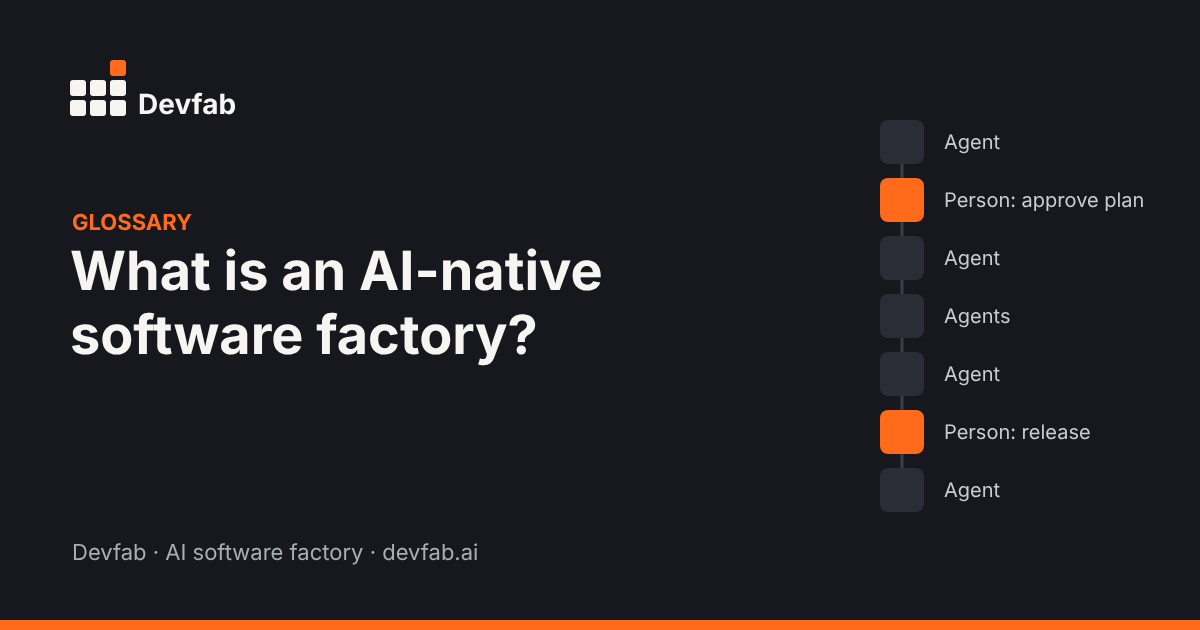
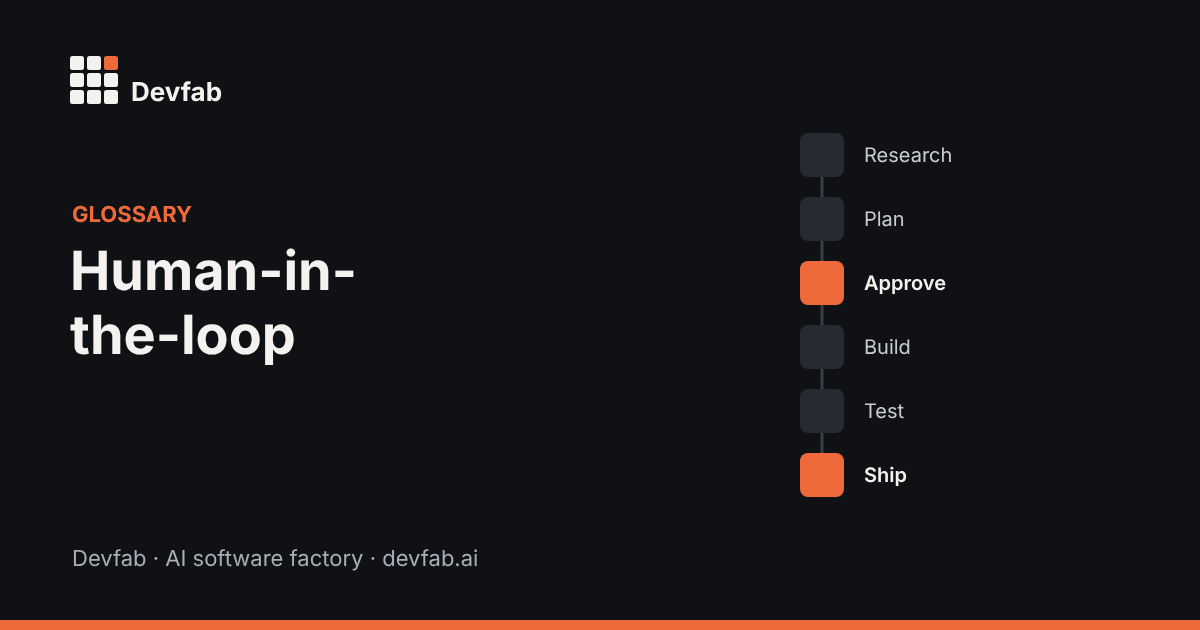
Short answer: Autonomous software development is a way of building software where AI agents carry out most of the lifecycle: research, planning, coding, testing and deployment. People set the goal and make the key decisions. In a well-run setup, a person still approves the plan before any code is written and decides what ships.
You keep hearing that AI agents can build software on their own. Then someone asks who approves the plan, and the answer quickly gets vague. The term matters because it sets what you hand over and what you keep. Get it wrong, and nobody owns the key decisions.
In this guide, you'll learn:
- What "autonomous" covers, and what it doesn't
- An example from a real Devfab run
- Related terms
- Common questions
Start with the definition, then see it run in a real project.
What "autonomous" covers, and what it doesn't
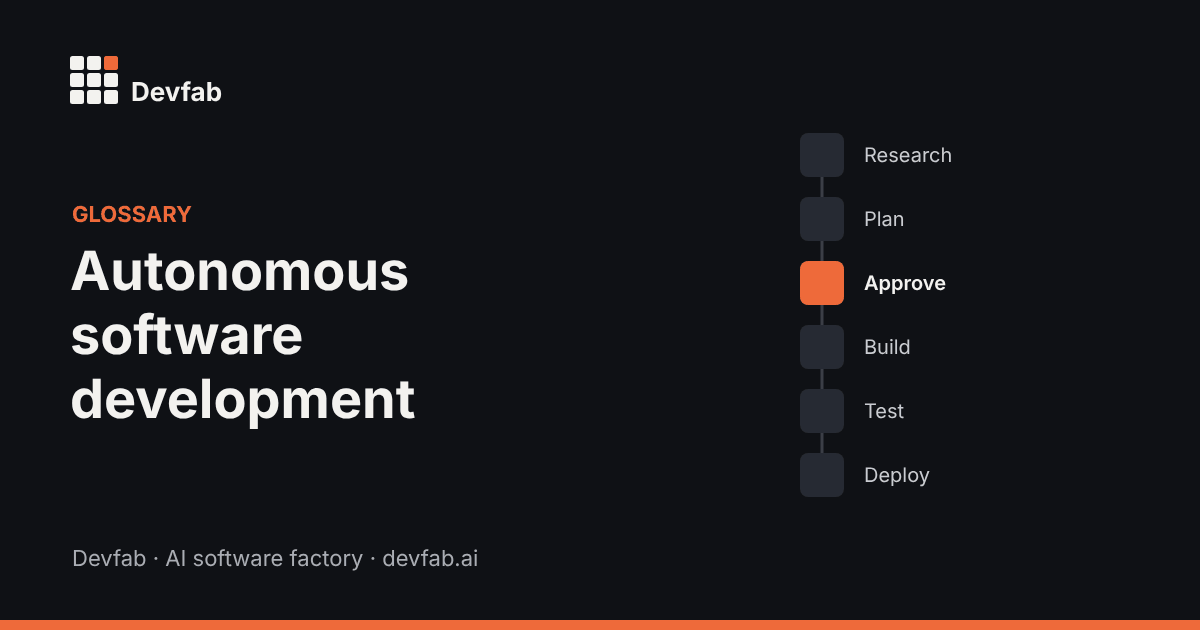
"Autonomous" describes the work between decisions, not the decisions themselves. Agents can research a domain, write a plan, split it into tickets, write the code, test it and prepare a release. They should not decide what problem to solve, which plan to follow or when real users get a change.
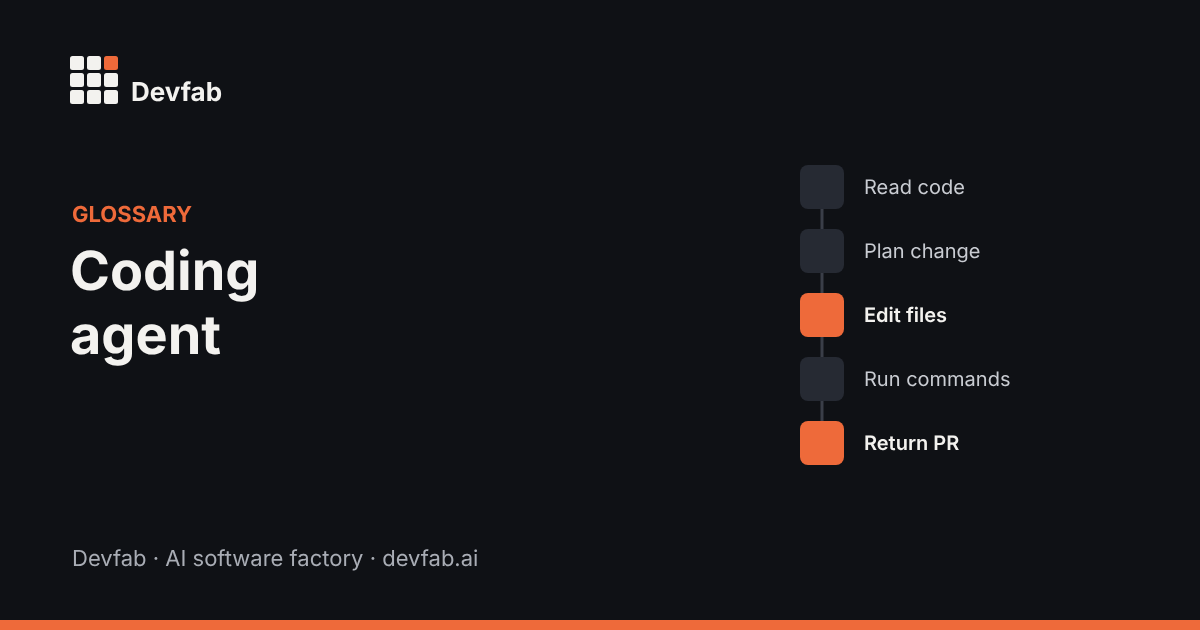
That is why the category is better described as an Autonomous Software Lifecycle: the lifecycle runs on its own between checkpoints that people own. It is different from a coding agent. Coding agents automate the developer. Devfab automates the development lifecycle.
Example from a real run (Devfab)
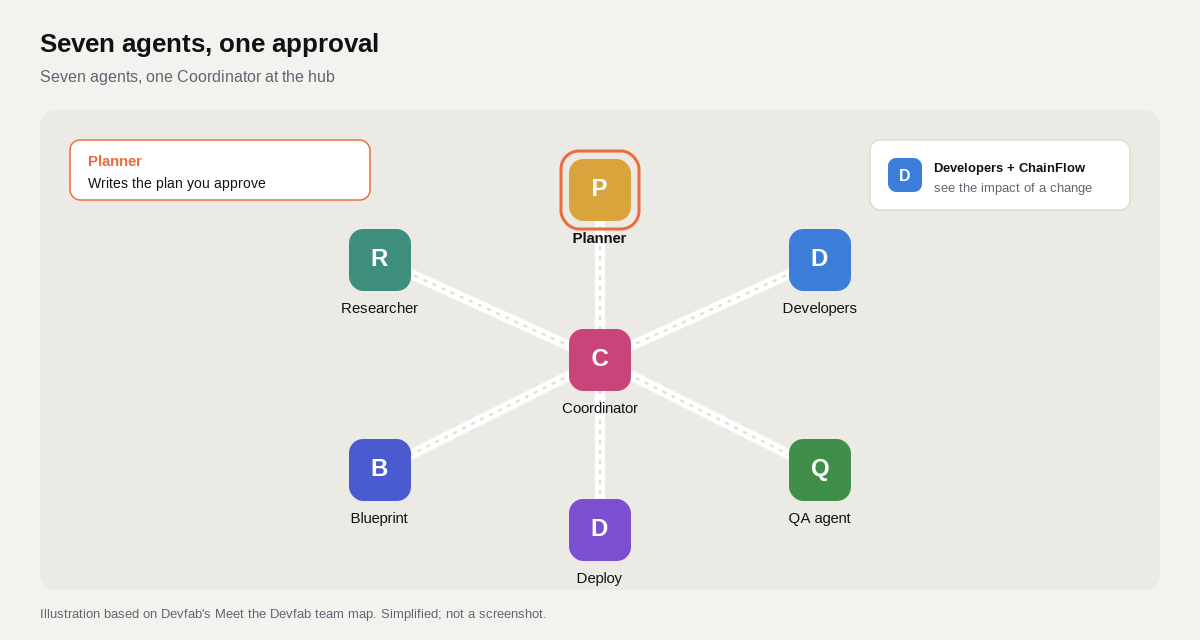
In Devfab, you describe what to build under "What should we build?" and choose how Devfab should work: Human in the loop (the default, with your review and approval before each next stage) or Auto (it handles the process and asks only when needed). Then seven agents take their turn:
- The Researcher maps the domain: key terms, best practices and competitors, then suggests a prototype.
- The Planner writes the plan. The board shows "Your turn" and waits. A person approves the plan.
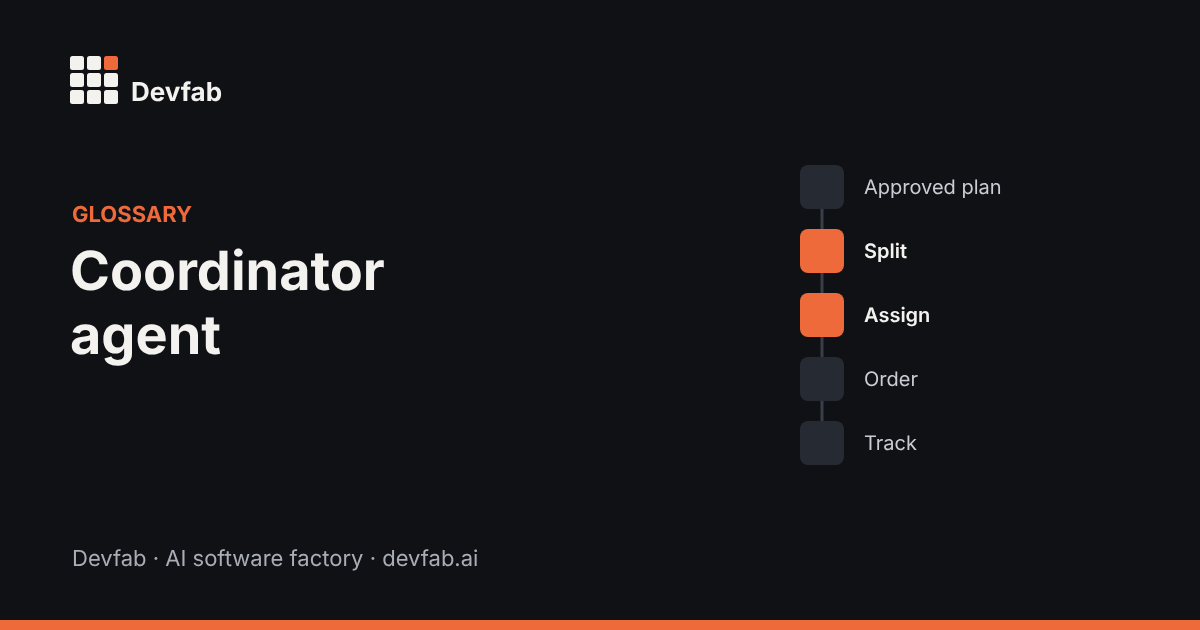
- The Coordinator splits the approved plan into tickets and assigns developer agents.
- Developers build, using ChainFlow to see which connected features a change can affect.
- Blueprint produces the screens.
- The QA agent runs UI and flow tests plus logic tests before work is marked done.
- Deploy ships to production on your own server, when you choose.
Cost is logged after each run, per task and per project, and the code lives in your own GitHub account (or your organization's).
Related terms
FAQ
Does autonomous software development mean no humans are involved?
No. Agents do the work between checkpoints, but a person sets the goal, approves the plan and decides what ships. In Devfab, Human in the loop is the default mode.
How is it different from using a coding agent?
A coding agent helps with one coding task at a time. Autonomous software development covers the whole lifecycle, from research and planning to tests and deployment. Coding agents automate the developer. Devfab automates the development lifecycle.
Can it work on an existing codebase?
Yes, if the agents can see how the code connects. In Devfab, ChainFlow maps which functions and APIs call each other, so a change is checked against the features it can affect.
Read next
- What is an AI software factory?
- Autonomous software lifecycle: from idea to shipped
- Human-in-the-loop software development: where people must stay
- AI pair programmer vs autonomous coding agent: what's the difference?
Devfab is in Beta. See the lifecycle run on your own idea. Try Beta
Frequently asked questions
Does autonomous software development mean no humans are involved?
No. Agents do the work between checkpoints, but a person sets the goal, approves the plan and decides what ships. In Devfab, Human in the loop is the default mode.
How is it different from using a coding agent?
A coding agent helps with one coding task at a time. Autonomous software development covers the whole lifecycle, from research and planning to tests and deployment. Coding agents automate the developer. Devfab automates the development lifecycle.
Can it work on an existing codebase?
Yes, if the agents can see how the code connects. In Devfab, ChainFlow maps which functions and APIs call each other, so a change is checked against the features it can affect.