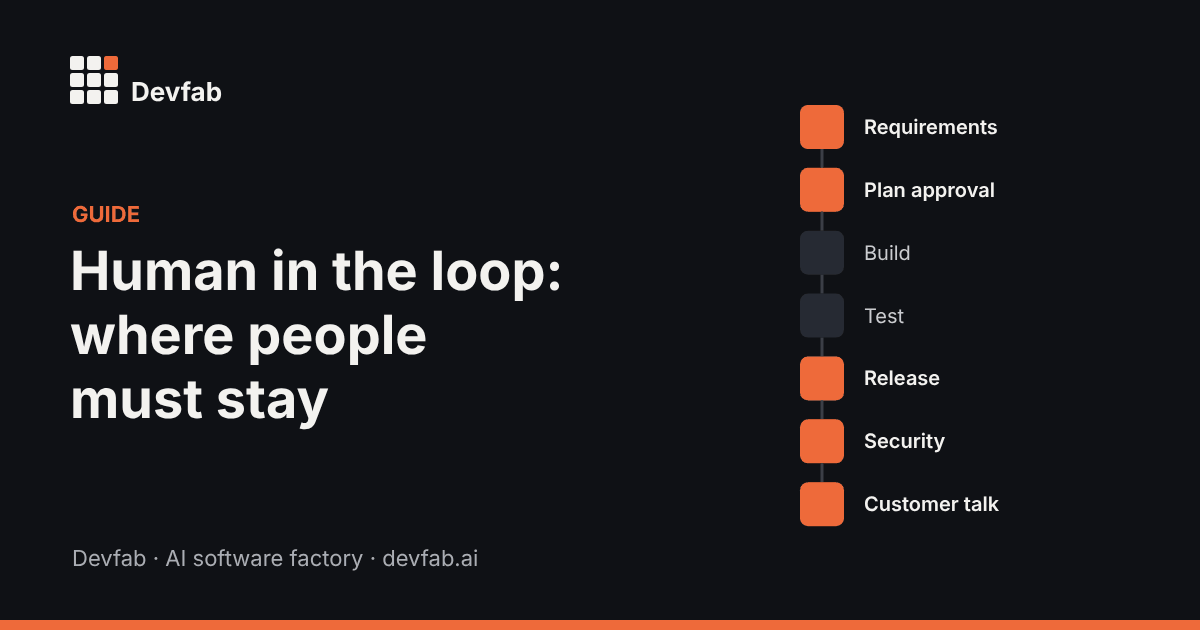
Short answer: When AI agents build software, people must stay at five points: requirements (what problem to solve), plan approval (before any code), release (what ships to real users), security (access, secrets, data) and customer talk (what clients and users are told). Let agents run the work between those points, and check the evidence they leave.
You want agents doing real work, but you can't approve everything. Review every step, and you become the bottleneck.
Pick the wrong checkpoints and you get slow delivery or costly surprises. The right ones protect clients, data and releases while agents run the rest.
In this guide, you'll learn:
- Why "where" matters more than "whether"
- The checkpoints where people decide, step by step
- How to choose between Human in the loop and Auto
- A checklist for your next project
Read it as a map of who decides what.
Why "where" matters more than "whether"
The question is no longer whether AI agents can write code. They can research, plan, write tickets, build, test and deploy. The real question for an agency or a product team is which decisions should never leave a person's hands.
If you keep people everywhere, you lose most of the point of using agents. You become a slow reviewer of fast work. If you keep people nowhere, agents fill every gap with an assumption, and some of those assumptions reach customers.
The useful middle is a small number of fixed checkpoints. Each one is a decision that is hard to undo, carries business risk, or depends on trust between people. Everything else can run.
This is not only our view. The OWASP Top 10 for LLM applications lists "Excessive Agency" as a risk and recommends using human-in-the-loop control "to require a human to approve high-impact actions before they are taken." The five checkpoints below are the high-impact actions in a software project.
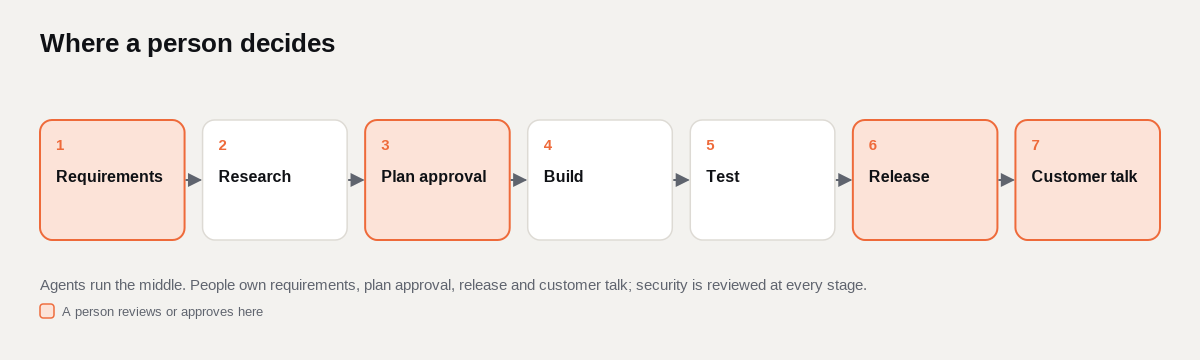
Step by step
Step 1: Own the requirements
Agents can help you write requirements. They should not decide them. Only a person knows why the software exists, which customer complaint started it, and what "good enough" means this quarter.
Write a one-page brief yourself, or have the agent draft one and correct it line by line: the problem, users and roles, must-have flows, data, rules and what done means. A research step helps here. In Devfab, the Researcher maps the domain first (key terms, best practices for that kind of app and competitors) and suggests a prototype. That gives you better material to decide with. The decision is still yours.
What the person checks: Is this the right problem? Is anything in scope that nobody asked for?
Step 2: Approve the plan before any code
The plan is where assumptions become visible: roles, data fields, rules, integrations, the stack. Fixing a wrong assumption in a plan is an edit. Fixing it after the build is rework.
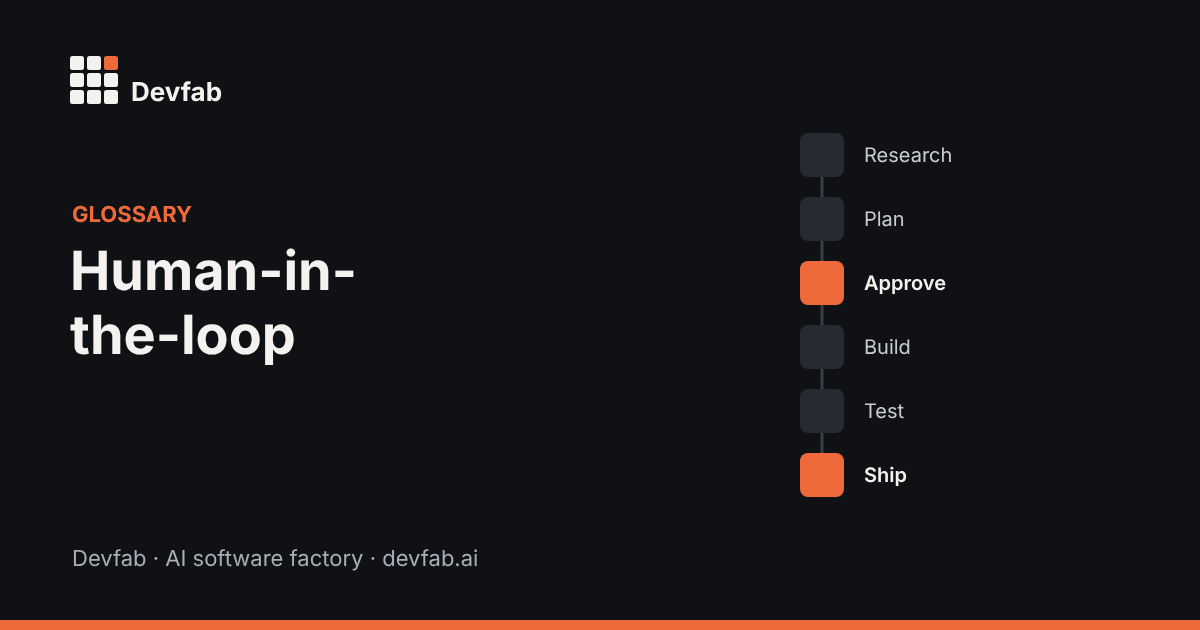
In Devfab, the Planner publishes the plan and the board shows a banner: "Your turn: the Planner published the plan. Approve it so the Coordinator can create the tickets." Nothing is split into tickets, and no developer agent starts, until a person presses Approve.
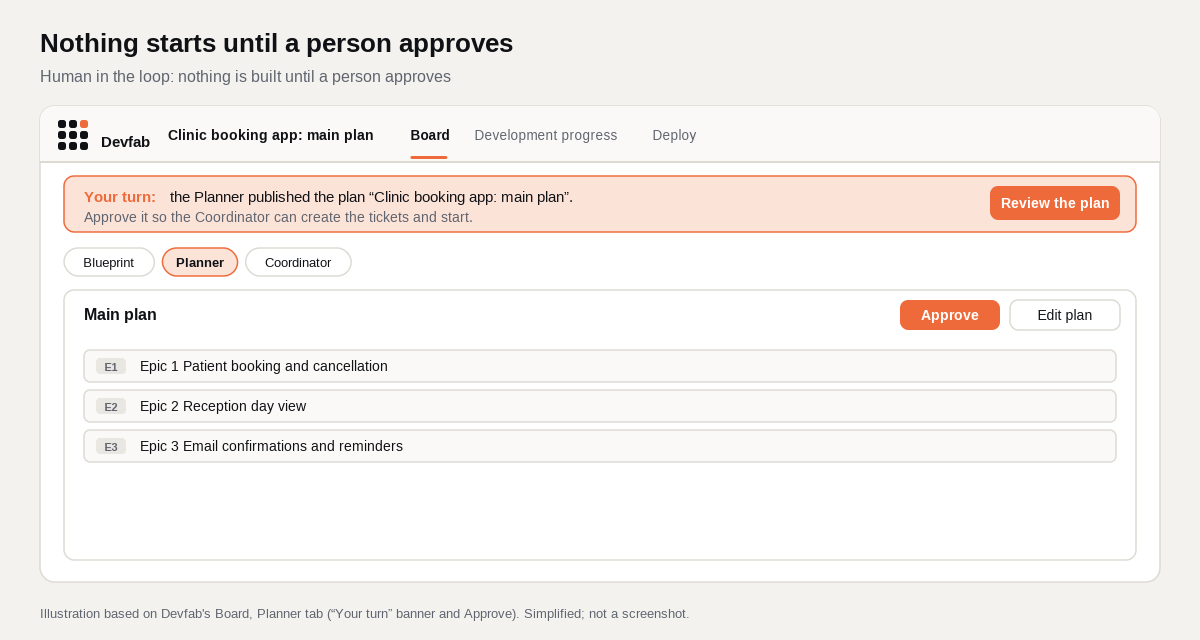
What the person checks: every must-have flow is there, tasks are small and testable, and there is an out-of-scope list. Our guide on how to review a plan written by an AI agent walks through it pass by pass.
Step 3: Decide what ships and when
Release is a business decision as much as a technical one. A feature can pass every test and still be wrong to ship: it clashes with a client's launch, it needs staff training first, or the support team has not seen it.
Keep the final "ship to production" step with a named person. In Devfab, Deploy has its own Overview, History and Settings, and you ship to production on your own server, with an optional custom domain. The agent prepares the release. A person presses the button.
What the person checks: test evidence is in, the people affected know what is changing, and there is a way back if it goes wrong.
Step 4: Keep security decisions with people
Agents should follow security rules. People should set them. That means people decide:
- Who can access the app and with which role.
- Where secrets and credentials live, and who can see them.
- What personal or payment data is collected, and why.
- Which outside services the app may call.
- What permissions the agents themselves get on your code and servers.
The same OWASP guidance recommends limiting the permissions given to AI extensions "to the minimum necessary." Ownership helps you hold that line. With Devfab, code lives in your own GitHub account (or your organization's) and the app deploys to your own server, so your existing access rules still apply.
What the person checks: any change that touches sign-in, roles, secrets, personal data or payments gets a human review, even when tests pass. For the questions to ask, see security questions to ask about AI-built software.
Step 5: Keep people in every customer conversation
Agents can draft updates, summarise bug reports and turn feedback into tickets. They should not be the voice of the project to a client. Scope changes, delays, bad news and pricing are conversations about trust. They need a person who can be held to what they say.
A good split: agents collect and organise, people speak. In Devfab, the feedback module turns user reports into tickets and notifies the people who reported them. What the client hears about priorities, trade-offs and dates comes from the account owner.
What the person checks: every message that changes what the client expects is sent by a person.
Step 6: Let agents run the middle, and check the evidence
Between the checkpoints, let the agents work. Developer agents build the tickets. In Devfab, ChainFlow maps which functions and APIs call each other, so a change to checkout is checked against payments, inventory, order confirmation and notifications. A separate QA agent runs UI and flow tests (screens, buttons and user journeys clicked end to end) plus logic tests.
You do not need to watch each step. You need to read the evidence: test reports, the progress view, and cost logged after each run, per task and per project.
Human in the loop or Auto: choosing a mode
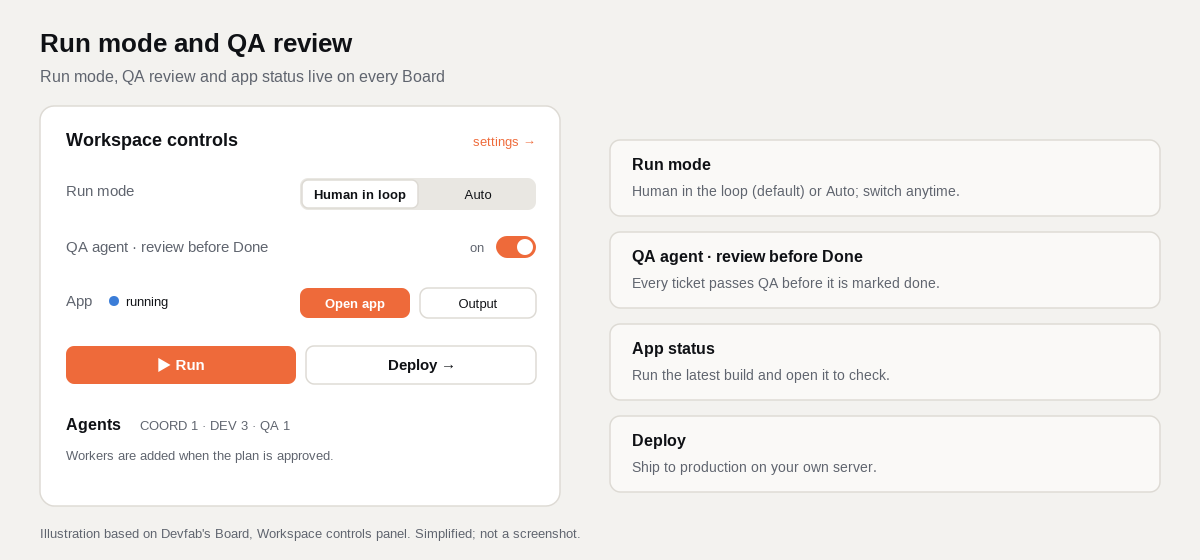
Devfab offers two run modes, and you can switch anytime in workspace settings:
- Human in the loop (default): step by step, with your review and approval before the next stage.
- Auto: Devfab handles the process and asks only when needed.
| Situation | Suggested mode |
|---|---|
| First project with a new client | Human in the loop |
| Anything touching payments, personal data or sign-in | Human in the loop |
| Existing project, small UI fix, good test coverage | Auto can fit |
| Internal prototype for a proposal | Either; review the result |
| Release to production | A person decides, in any mode |
Auto mode does not remove the checkpoints that matter. A person still owns requirements, release, security and customer talk. The mode changes how often Devfab stops to ask in between.
Common mistakes
- Reviewing code instead of the plan. By the time code exists, the assumptions are baked in.
- Approving by habit. A checkpoint where people always click Approve without reading is not a checkpoint.
- One person as the loop for everything. The product owner should not approve security; the tech lead should not decide scope alone.
- Letting agents talk to clients. Drafts are fine. Sending is a person's job.
- Giving agents broad access "to save time." Grant the minimum and widen it on purpose.
- Skipping the evidence. If nobody reads QA reports, the QA step is just cost.
Checklist
- [ ] Requirements written or corrected by a person
- [ ] Plan approved by a named person before tickets are created
- [ ] Release to production done by a named person
- [ ] Changes to sign-in, roles, secrets, personal data or payments reviewed by a person
- [ ] Agent permissions limited to what the task needs
- [ ] Every client-facing message sent by a person
- [ ] QA reports read before Done
- [ ] Run mode chosen on purpose for each workspace
FAQ
What does human-in-the-loop mean in software development?
It means AI agents do the work between checkpoints, and a person makes the decisions at those checkpoints: what to build, which plan to follow, what ships, what is safe and what the customer is told.
Is Auto mode in Devfab unsafe?
No. Auto mode handles the process and asks only when needed. It suits small, low-risk changes on a project you already trust. For a first project, or anything touching money, personal data or production, keep Human in the loop, which is the default.
Do people need to review every line of AI-written code?
Not always. A separate QA agent runs UI, flow and logic tests on every ticket. People should review the plan, the test evidence, and any change that touches security, payments or personal data.
Who should be the human in the loop?
The person who owns the outcome for each checkpoint: the client or product owner for requirements and the plan, a technical lead for release and security, and the account owner for customer talk. It does not have to be one person.
Read next
- What is an AI software factory?
- How to review a plan written by an AI agent
- Security questions to ask about AI-built software
- Build: appointment booking system
- AI pair programmer vs autonomous coding agent: what's the difference?
- Spec-driven development vs vibe coding: which ships better software?
Devfab is in Beta, with Human in the loop on by default. Try Beta
Sources (checked November 2026): OWASP GenAI Security Project: LLM06:2025 Excessive Agency.
Frequently asked questions
What does human-in-the-loop mean in software development?
It means AI agents do the work between checkpoints, and a person makes the decisions at those checkpoints: what to build, which plan to follow, what ships, what is safe and what the customer is told.
Is Auto mode in Devfab unsafe?
No. Auto mode handles the process and asks only when needed. It suits small, low-risk changes on a project you already trust. For a first project, or anything touching money, personal data or production, keep Human in the loop, which is the default.
Do people need to review every line of AI-written code?
Not always. A separate QA agent runs UI, flow and logic tests on every ticket. People should review the plan, the test evidence, and any change that touches security, payments or personal data.
Who should be the human in the loop?
The person who owns the outcome for each checkpoint: the client or product owner for requirements and the plan, a technical lead for release and security, and the account owner for customer talk. It does not have to be one person.