Short answer: An HR leave request system lets employees request time off, managers approve it, and HR trust the balances. With Devfab, you describe the system, a person approves the plan the Planner writes, and developer and QA agents build and test it in your own GitHub repository. This page shows the spec, plan, screens and test report for a 40-person company.
What the app does and who uses it
Small companies often run leave through email, chat and one HR spreadsheet. Requests get missed, balances drift, and two people on a small team end up off the same week. This build uses the same example as our HR leave request system requirements template: a 40-person company with one HR admin and a monthly payroll run.
| User | What they do |
|---|---|
| Employee | Request leave (full or half days), see balances by leave type and request history |
| Manager | Approve or reject requests for their own team, see overlap warnings on the team calendar |
| HR admin | Set leave types and policies, adjust balances with a reason, see every request, cover approvals when a manager is away |
| Payroll | Download the monthly export of approved leave; read-only |
The one-page spec
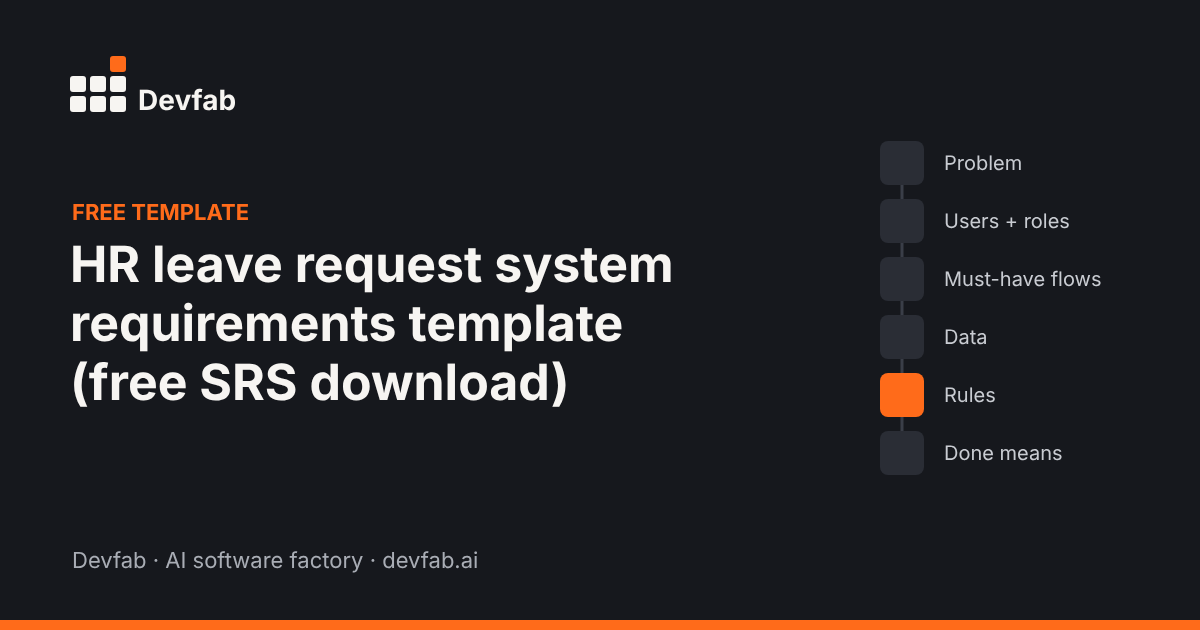
This is the spec given to Devfab in the "What should we build?" step. It matches the filled example in the template, so you can compare the two.
- Problem: leave requests arrive by email and chat, HR keeps balances in a spreadsheet, and the same small team has had overlapping leave approved more than once.
- Users and roles: employee, manager (approves own team), HR admin (policies, balances, all requests), payroll (monthly export, read-only).
- Must-have flows:
- Employee requests leave with type, dates, a half-day option and a note, and sees the effect on their balance before sending
- Manager approves or rejects with a comment; the employee is notified
- Employee sees balances by leave type and their request history
- HR sets leave types, accrual and carry-over rules, and adjusts balances with a reason
- Everyone sees a team calendar of approved leave; managers see overlap warnings
- Data: employees, teams, managers, leave types, policies, requests, approvals, balance adjustments, public holidays by country.
- Rules: 20 days of annual leave, accrued monthly and pro rata for new joiners; up to 5 days carry over and expire on 31 March; weekends and public holidays don't count; half days are allowed; if a manager is away for 3 or more days, HR approves; no negative balances.
- Done means: every flow works on desktop and phone; balances always equal approved requests plus adjustments; overlap warnings appear for teams of 5 or fewer.
Rules like accrual and carry-over are where leave systems usually go wrong, so they are written as plain numbers. That makes them easy for the Planner to turn into tickets and for the QA agent to test.
The approved plan
Before planning, Devfab's research step looks at how leave systems usually work: common leave types, accrual methods, approval chains and the tools small companies already use. The Planner then writes the plan. In Human in the loop mode, nothing is built until a person reviews and approves it.
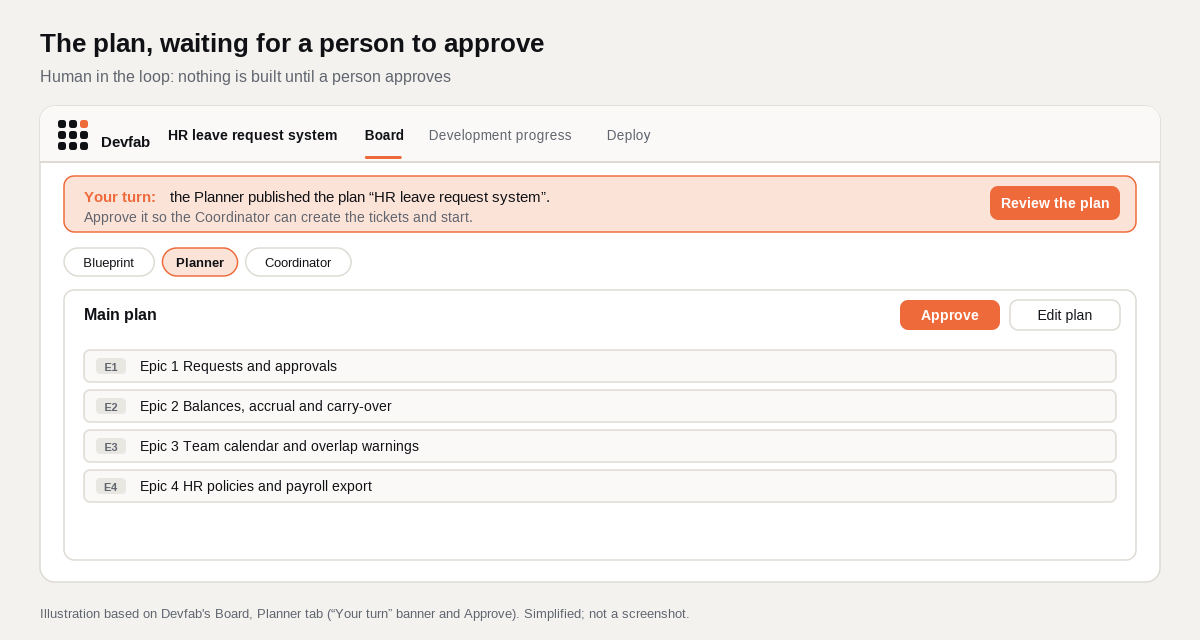
A reviewer should check the plan against the rules in part 5. Does the plan say how accrual is calculated for someone who joins mid-month? Does carry-over expire on the right date? Is the "HR approves when the manager is away" rule its own ticket, or is it hidden inside the approval epic?
Screens and prototype
Once the plan is approved, the Coordinator splits it into tickets and assigns developer agents. Blueprint produces the screens. You follow progress in the Summary, Kanban and Gantt views.
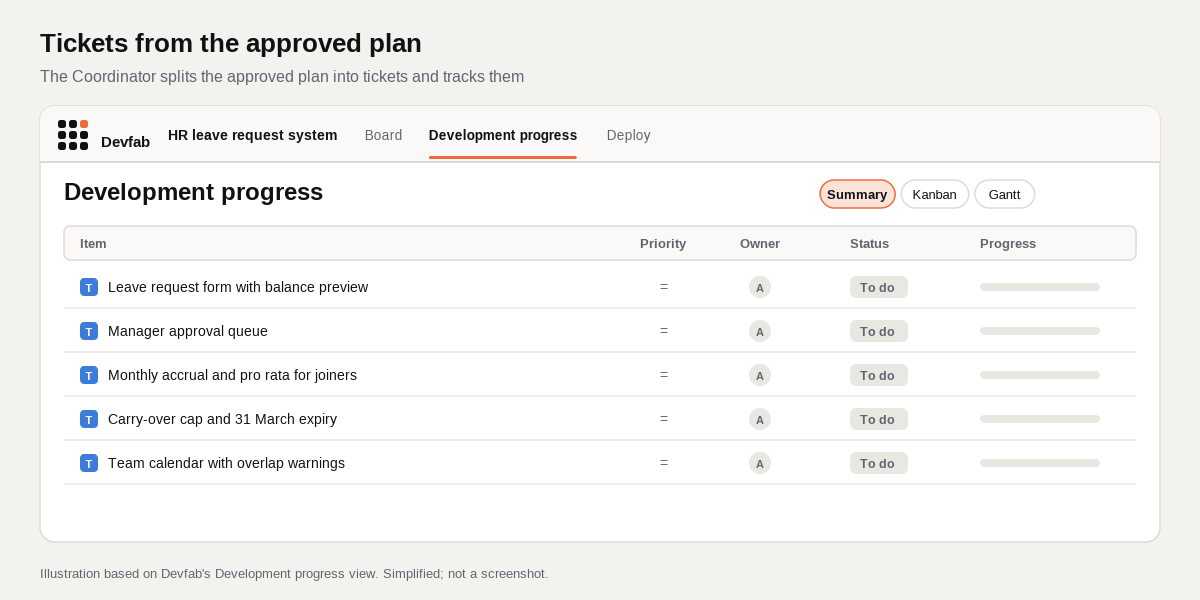
The main screens are the request form with a live balance preview, the manager's approval queue, the team calendar with overlap warnings, the HR policy settings, and the payroll export.
QA report
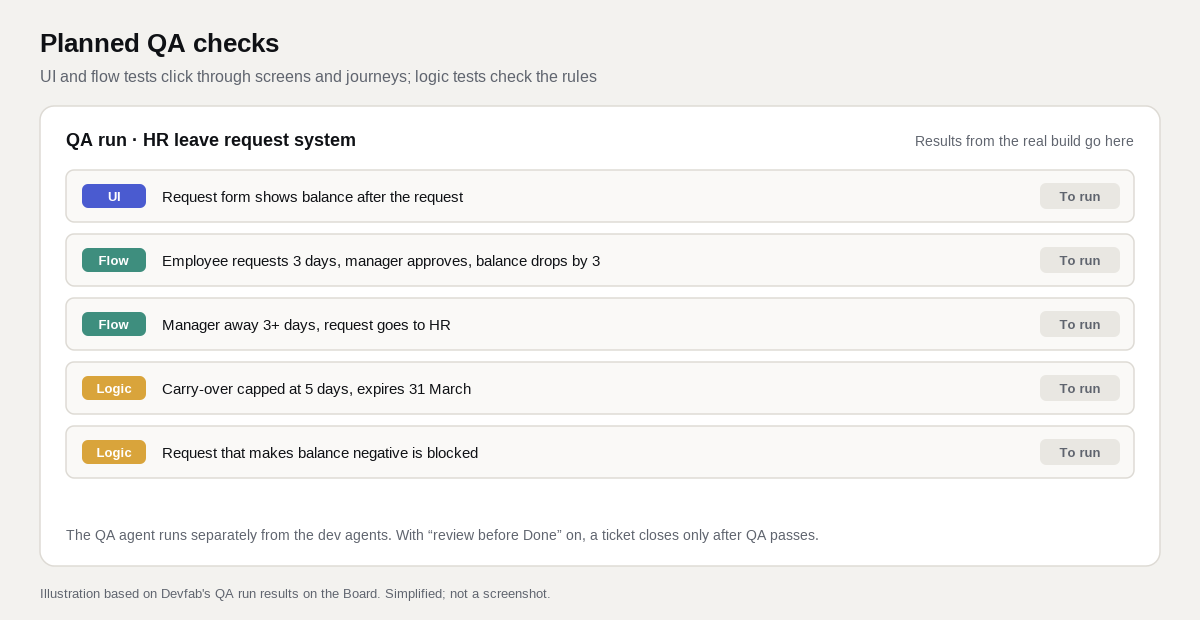
With "QA agent · review before Done" switched on, no ticket closes until the QA agent has checked it. For this build, the planned tests are:
- UI tests: the request form shows the balance after the request; half-day options appear; the approval queue shows the employee's comment.
- Flow tests: an employee requests 3 days, the manager approves, the balance drops by 3 and the calendar shows the absence; a manager is marked away, and the request goes to HR instead.
- Logic tests: accrual for a joiner who starts mid-year; carry-over capped at 5 days and expiring on 31 March; weekends and public holidays excluded from the day count; a request that would make the balance negative is blocked.
Cost logged per task
Devfab aims for predictable cost. Cost is logged after each run, per task and per project, so you can see what each ticket took, for example the accrual logic compared with the calendar screen. You can choose the model for each agent or keep Devfab's default.
Try it or book a demo
- Try the prototype:
- Your code, your server: the repository is in your own GitHub account (or your organization's), and the app deploys to your own server.
- Start from the template: fill in the requirements template with your own policy, then describe it to Devfab.
FAQ
Can the leave system follow our own leave policy?
Yes. Leave types, accrual, carry-over, half days and who approves are all rules in the spec. HR can change leave types and policies later from the admin screens, and new rules go through the same plan, build and QA steps.
Does it handle employees in more than one country?
The example uses public holidays by country, linked to each employee's location. If your countries have different leave rules, write each one in the Rules part of the spec so the Planner can turn it into tickets and the QA agent can test it.
Can payroll get the data?
Yes. The spec includes a read-only payroll role with a monthly export of approved leave and balance changes.
Where does the code and data live?
The code is in your own GitHub account (or your organization's), and the app deploys to your own server. Employee data stays on infrastructure you control.
Read next
- HR leave request system requirements template
- What is an AI software factory?
- How to review a plan written by an AI agent
See your leave policy as a working app before you commit. Try the Devfab Beta
Frequently asked questions
Can the leave system follow our own leave policy?
Yes. Leave types, accrual, carry-over, half days and who approves are all rules in the spec. HR can change leave types and policies later from the admin screens, and new rules go through the same plan, build and QA steps.
Does it handle employees in more than one country?
The example uses public holidays by country, linked to each employee's location. If your countries have different leave rules, write each one in the Rules part of the spec so the Planner can turn it into tickets and the QA agent can test it.
Can payroll get the data?
Yes. The spec includes a read-only payroll role with a monthly export of approved leave and balance changes.
Where does the code and data live?
The code is in your own GitHub account (or your organization's), and the app deploys to your own server. Employee data stays on infrastructure you control.