Short answer: Aider wins when one developer wants a free, open-source pair programmer in the terminal, with any model, local ones included, and a git commit for every change. Devfab wins when a team delivers client apps and needs domain research, an approved plan, a QA agent for UI and flow tests, deployment and cost per project.
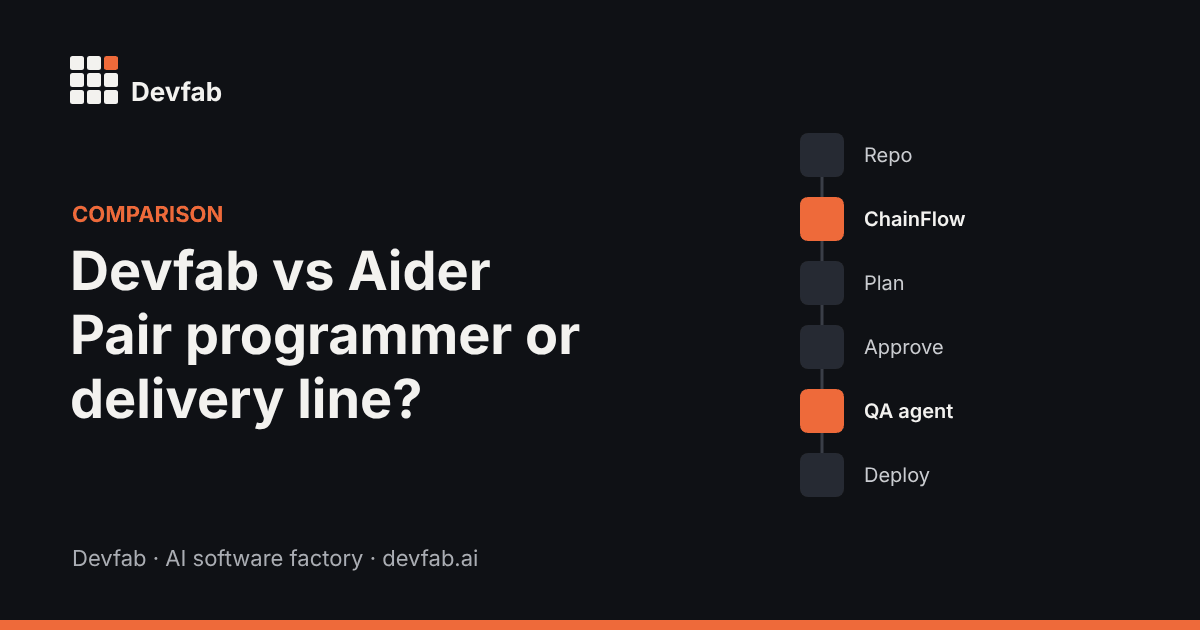
You like Aider because it is small, honest and in your terminal. Every change lands as a clean commit. Then a client asks for a test report, a user manual and a server deployment. Aider was never built for those parts.
Fans call Aider the right amount of AI. Critics say a pair programmer is not a delivery process. Both are partly right, and this page sorts out where.
In this comparison:
- What each tool is built for
- Switching triggers
- Moving from Aider to Devfab
- Where Aider is the better choice
- Where Devfab is the better choice
Read it top to bottom, or jump to your question.
What each tool is built for
Aider
Aider is an open-source AI pair programmer that edits files in your local git repository from the terminal. Status, November 2026: active but slow-moving. The latest PyPI release is 0.86.2 from February 12, 2026, and the release before it shipped in August 2025 (PyPI). A dated review calls the project effectively "dormant" (CodeMySpec, updated Jul 2026).
What it does well:
- Repo map. Aider builds a map of your git repository to give the model context (Aider docs).
- Git by default. It commits its changes to git automatically, so every AI edit is easy to review or undo (GitHub).
- Lint and test loop. It lints and tests after each change and fixes the errors it finds (Aider docs).
- Chat modes. Code, architect, ask and help, plus voice input, and images or web pages as context (Aider docs).
- Model freedom. OpenAI, Anthropic, Gemini, DeepSeek, Bedrock, OpenRouter, Ollama, LM Studio and any OpenAI-compatible API (Aider docs).
- Open source. Apache-2.0, with about 49.8k GitHub stars. The project says 88% of the new code in its last release was written by Aider itself (GitHub).
- Where it runs. The terminal, a browser mode, Docker, GitHub Codespaces and Replit, plus a watch mode that responds to AI comments you add in your editor (Aider docs).
Aider's main user is a solo developer who wants control over every edit and commit.
Devfab
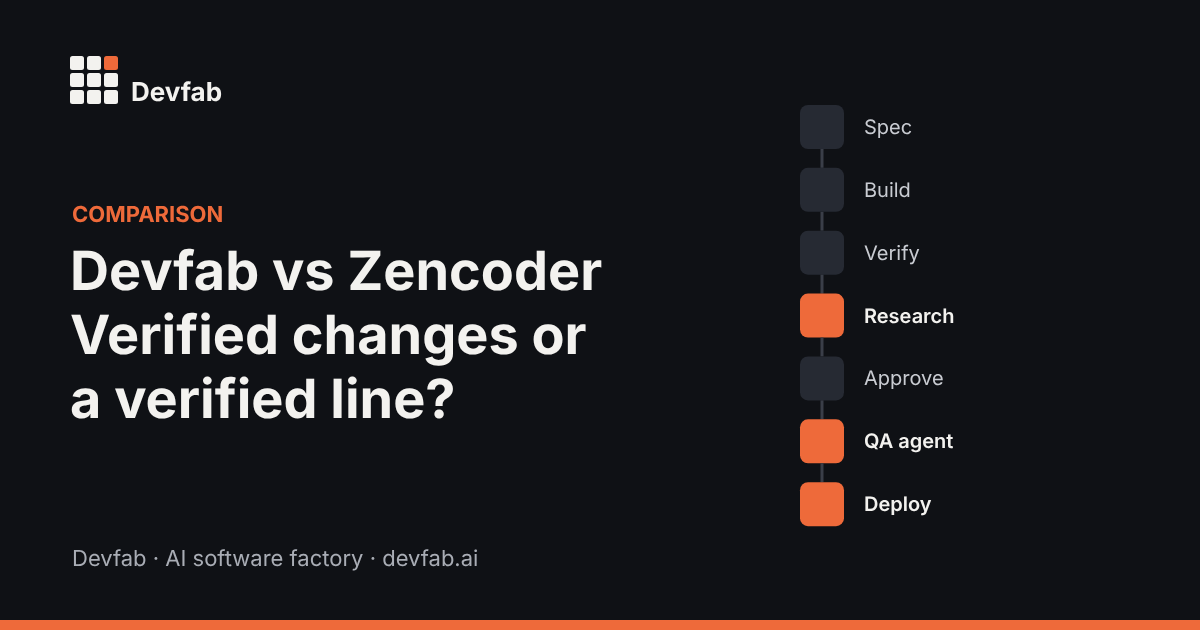
Devfab is an AI software factory for teams that ship apps to clients. Seven agents share the work. The Researcher maps the domain first: terms, best practices and competitors, then suggests a prototype. The Planner publishes a plan that a person approves. The Coordinator turns it into tickets for Developers, who use ChainFlow to see which functions, APIs and deployed parts a change touches. Blueprint produces screens, the QA agent runs UI, flow and logic tests, and Deploy ships to your own server.
Coding agents automate the developer. Devfab automates the development lifecycle.
Switching triggers
| Trigger | Aider | Devfab | Source |
|---|---|---|---|
| Release pace slowed | One release in 2026 (0.86.2, Feb 12); previous in Aug 2025 | New product in Beta, actively built | PyPI |
| Team needs shared work and roles | Review notes no team or collaboration features | Roles, workspace permissions, Kanban and Gantt | CodeMySpec |
| Context is managed by hand | Review lists manual context management | ChainFlow maps calls and deployed code before work starts | CodeMySpec |
| Tooling needs MCP | Review lists no native MCP support | Not covered here; Devfab has fewer integrations | CodeMySpec |
| Tests stop at the unit level | Lints and runs your tests after each change | QA agent adds UI and flow tests plus logic tests | Aider docs |
| Python version constraints | Requires Python 3.10 to 3.12 | Not applicable: you work in a Devfab workspace | PyPI |
Cost model by team size
| Team size | Aider | Devfab |
|---|---|---|
| 1 person | Free and open source; you pay your model provider directly (bring your own key) | Cost logged per task and per project (Beta) |
| 5 people | Same: each developer runs Aider with their own or shared keys; no team plan in the sources we checked | Cost logged per task and per project (Beta) |
| 25 people | Same; no team billing or admin features described in the sources we checked | Cost logged per task and per project (Beta) |
Aider's pricing model as of November 2026, from CodeMySpec's 2026 review and the Aider docs. Model costs depend on your provider's pricing. Devfab: predictable cost; cost is logged after each run, per task and per project; Devfab is in Beta.
Moving from Aider to Devfab
Aider already works in your git repository, so there is nothing to export.
- Push the repo to GitHub if it only lives locally. Devfab uses a repository in your own GitHub account or your organization's.
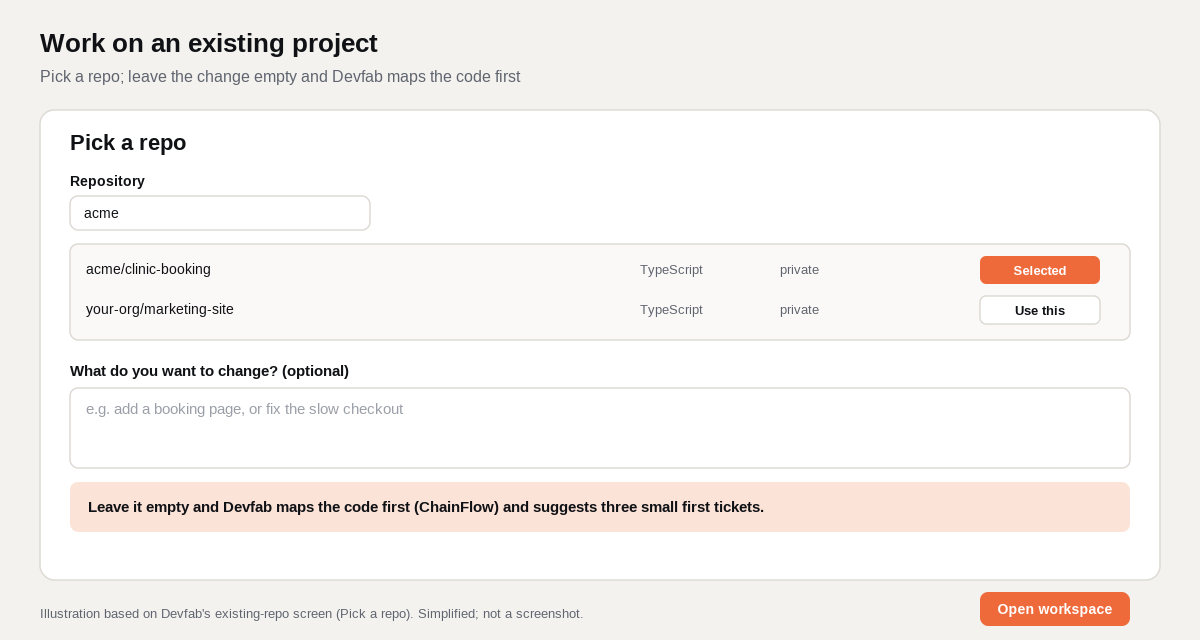
- In Devfab, choose "Work on an existing project" and pick that repository.
- Leave the change box empty. ChainFlow maps the code first and suggests three small first tickets, so the first run is low risk.
- Approve the plan. The Planner publishes it with a "Your turn" banner. The Coordinator creates tickets once a person approves.
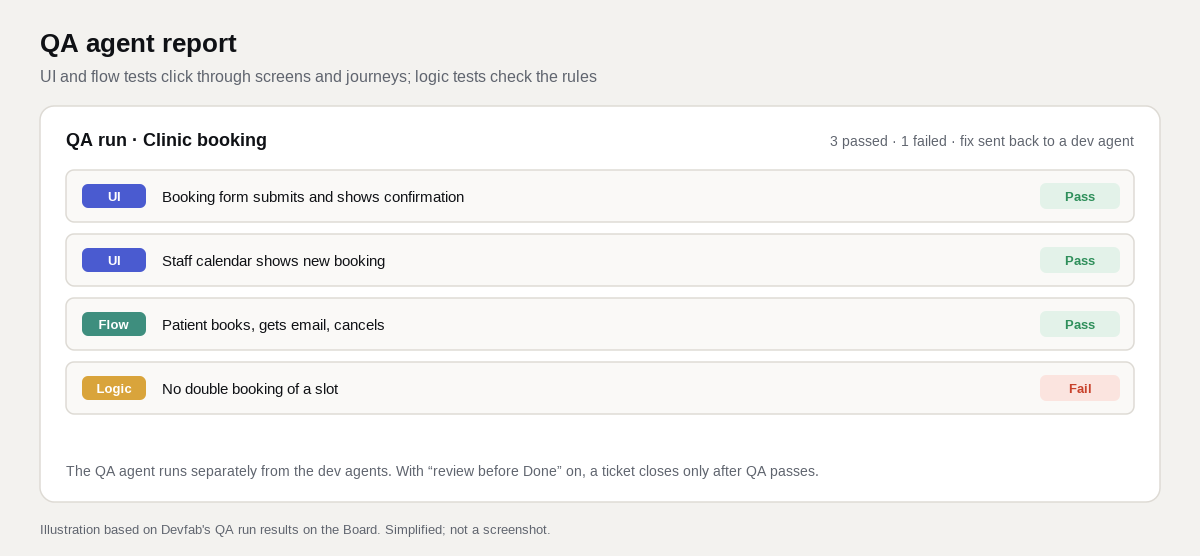
- Let the QA agent check each ticket. It runs UI, flow and logic tests. Turn on "QA agent · review before Done" if you want a test pass before anything closes.
- Keep Aider for precise edits. Its git-first workflow fits small, careful changes outside the plan.
Where Aider is the better choice
- You work alone and want a lightweight, free CLI with full control over every edit and commit.
- You need air-gapped or local models. Aider works with Ollama, LM Studio and any OpenAI-compatible API, with no vendor account.
- The change is small and precise in a repo you know well, and a clean git history matters more than process.
- You want an open-source license (Apache-2.0) you can read, fork and audit.
- Budget is the main constraint. You pay only for model usage.
Where Devfab is the better choice
- The work is a client project, not a single edit. Research, an approved plan, tickets, QA, deployment and docs run as one line.
- Non-developers need to take part. A client or project manager can read and approve the plan, then read the QA report.
- Changes must not break connected features. ChainFlow shows which functions, APIs and deployed parts a change affects.
- You need tests a client understands. The QA agent clicks through screens and user journeys, not just unit tests.
- The app must run on the client's server, with code in your GitHub account or theirs.
- You need cost per project. Cost is logged after each run, per task and per project.
Devfab's honest limits: it is new and in Beta, with a smaller community and fewer integrations. It is not an editor or a terminal tool for hands-on coding. It needs a GitHub account. It is not open source, and for a quick fix, Aider is the lighter tool.
FAQ
Is Aider still maintained in 2026?
Aider is active but slow-moving. PyPI shows one release in 2026, version 0.86.2 on February 12, and the release before that was in August 2025. One dated 2026 review calls the project effectively dormant. Check the GitHub repository before you commit a team to it.
Aider already runs tests. Why would I need Devfab's QA agent?
Aider lints and tests after each change and fixes the errors it finds, using the tests your repo already has. Devfab's QA agent adds UI and flow tests that click through screens and user journeys end to end, plus logic tests, and you can require QA review before a ticket is marked Done.
Can I keep using Aider if my team moves to Devfab?
Yes. Aider works on your local git repository, and Devfab works on a repository in your own GitHub account or your organization's. A developer can keep Aider for quick, precise edits on the same repo while client projects run through Devfab.
Which is cheaper, Aider or Devfab?
Aider is free and open source; you pay your model provider directly. Devfab is in Beta and does not publish prices here; it offers predictable cost, with cost logged after each run, per task and per project. Compare total delivery cost, including the time your team spends on planning, QA and deployment.
Read next
- What is an AI software factory?
- Aider alternatives for teams that ship to production (2026)
- Aider vs Claude Code: which should your team use in 2026?
- AI pair programmer vs autonomous coding agent: what's the difference?
Bring one client project and see the whole line run. Book a Devfab demo
Sources (checked November 13, 2026): Aider documentation; Aider-AI/aider on GitHub; aider-chat on PyPI; Aider release history; Aider in 2026: Features, Pricing, Benchmarks, and Community Sentiment (CodeMySpec, Mar 29, 2026, updated Jul 10, 2026).
Frequently asked questions
Is Aider still maintained in 2026?
Aider is active but slow-moving. PyPI shows one release in 2026, version 0.86.2 on February 12, and the release before that was in August 2025. One dated 2026 review calls the project effectively dormant. Check the GitHub repository before you commit a team to it.
Aider already runs tests. Why would I need Devfab's QA agent?
Aider lints and tests after each change and fixes the errors it finds, using the tests your repo already has. Devfab's QA agent adds UI and flow tests that click through screens and user journeys end to end, plus logic tests, and you can require QA review before a ticket is marked Done.
Can I keep using Aider if my team moves to Devfab?
Yes. Aider works on your local git repository, and Devfab works on a repository in your own GitHub account or your organization's. A developer can keep Aider for quick, precise edits on the same repo while client projects run through Devfab.
Which is cheaper, Aider or Devfab?
Aider is free and open source; you pay your model provider directly. Devfab is in Beta and does not publish prices here; it offers predictable cost, with cost logged after each run, per task and per project. Compare total delivery cost, including the time your team spends on planning, QA and deployment.