Short answer: goose wins when you want one free agent for coding and everyday automation, with shareable recipes, a desktop app and neutral Linux Foundation governance. OpenCode wins for developers who live in the terminal and want a coding agent with plan and build modes, 200+ model providers and reuse of ChatGPT or Copilot subscriptions.
You maintain a field-service app and want a free agent to help with the next feature: a customer signature step at job close. Two open-source names keep coming up.
Fans of OpenCode point to its terminal UI and huge model list. Fans of goose point to its recipes and its new home at the Linux Foundation. Both are free; the trade-offs are not. This page lines them up with sources checked in November 2026.
In this comparison:
- Goose and OpenCode at a glance
- Feature comparison
- Cost model by team size
- Where goose wins
- Where OpenCode wins
Ownership first, because both projects moved this year.
Goose and OpenCode at a glance
goose left Block. It moved to the Agentic AI Foundation (AAIF) at the Linux Foundation; the repo moved to aaif-goose/goose and the docs to goose-docs.ai (goose blog, Apr 7, 2026). Releases v1.58 and v1.59 in November 2026 added a context window viewer, deferred MCP tools and resumable subagent delegates (goose releases).
OpenCode's repo moved too. It is now anomalyco/opencode, moved from sst/opencode, and run by Anomaly, the team behind SST (OpenCode on GitHub; rywalker.com). Its server now also powers Kilo Code's VS Code extension (Kilo blog).
goose is a free, general-purpose agent under Apache 2.0, built in Rust, for coding, research, writing, automation and data analysis. It runs as a desktop app, CLI and API (goose README).
OpenCode is an open-source coding agent under MIT. It runs in a terminal UI, a desktop app (beta), mobile apps and an SDK for scripts and CI (OpenCode). It shows 225.7k GitHub stars (GitHub), and OpenCode claims 22M+ monthly developers, a vendor figure.
Feature comparison
| Aspect | goose | OpenCode | Source |
|---|---|---|---|
| Where it runs | Desktop app (macOS, Linux, Windows), CLI, API | Terminal UI, desktop app (beta), iPhone and Android apps, SDK | goose README; OpenCode; GitHub |
| Scope | Coding plus research, writing, automation, data | Coding | goose README; OpenCode |
| Planning | Recipes save workflows as portable YAML | "plan" agent is read-only, denies edits and asks before bash | goose docs; GitHub |
| Parallel work | Independent subagents in parallel | Multiple parallel agents on one project; "general" subagent | goose docs; OpenCode |
| Testing | Not covered in the docs we checked | Not covered in the docs we checked | — |
| Extensions | 70+ extensions via MCP; ACP both ways | MCP servers, plugins, custom agents, skills, custom commands, undo and redo | goose README; OpenCode |
| Team and admin | Custom distributions with preset providers and branding | Zen workspaces: member invites, model enablement, per-member budgets | goose README; OpenCode Zen docs |
| Model choice | 15+ providers incl. Ollama; Claude, ChatGPT or Gemini subscriptions via ACP | 200+ providers via Models.dev, local models; ChatGPT Plus/Pro or GitHub Copilot subscriptions | goose README; OpenCode |
| Pricing model | Free; pay your provider | Free agent; optional OpenCode Go subscription and Zen pay-as-you-go credits | goose docs; OpenCode |
Cost model by team size
| Team size | goose | OpenCode | Devfab |
|---|---|---|---|
| 1 person | Free; pay your provider, reuse a subscription via ACP, or run local models | Free with free models, your own key, or a ChatGPT or Copilot subscription; OpenCode Go from USD 10 per month | Cost logged per task and per project (Beta) |
| 5 people | Free; each person's provider usage or a shared account | Same options per person, or a Zen workspace with prepaid credits and per-member budgets | Cost logged per task and per project (Beta) |
| 25 people | Free; a custom distribution presets providers and extensions | Zen workspace with model enablement and per-member budgets; pay-as-you-go | Cost logged per task and per project (Beta) |
As of November 2026. goose has no vendor pricing (goose docs). OpenCode prices from its homepage; Zen prices are not shown there, and Zen adds a processing fee per purchase (OpenCode Zen docs). Devfab is in Beta and offers predictable cost: cost is logged after each run, per task and per project.
Where goose wins
- You want one agent for more than code. Research, writing, automation and data analysis are in scope.
- Workflows should be shared. Recipes are YAML files the team can pass around or run in CI.
- You care who governs the project. goose sits with a Linux Foundation body.
- You prefer a desktop app. goose's native app runs on macOS, Linux and Windows, built in Rust.
- You want to brand or embed it. Custom distributions and an API make it a base for your own agent.
Where OpenCode wins
- You live in the terminal. The terminal UI is the main surface, with a desktop app and mobile clients on top.
- You want the widest model menu. 200+ providers through Models.dev, plus local models.
- You already pay for ChatGPT or Copilot. OpenCode can reuse those subscriptions instead of a new seat.
- You want a safe planning mode. The plan agent denies edits by default and asks before shell commands.
- A team budget is needed. Zen workspaces add member invites, model enablement and per-member budgets.
Both have documented weak spots. A September 2026 review notes goose has no default sandbox per run, no built-in model and community-only support with no SLA (PromptQuorum). A June 2026 review of OpenCode reports 1GB+ RAM use by the terminal UI, frequent releases that sometimes break features, permissive default permissions and immature enterprise compliance features (rywalker.com).
Switching from one to the other
Both run against your local repository, so nothing needs exporting.
From goose to OpenCode. Install OpenCode and sign in with your provider key or an existing subscription. Re-add MCP servers. Recreate frequent recipes as OpenCode custom commands or skills, and start tasks in the plan agent before switching to build.
From OpenCode to goose. Install the goose desktop app or CLI and connect the same provider. Move MCP servers into goose extensions. Turn your custom commands into recipes so teammates can run them, and set permissions before letting goose run shell commands.
Where Devfab fits
goose and OpenCode help a developer move faster in a repo. Neither, in the docs we checked, researches the domain before a project plan, asks a person to approve that plan, runs a separate UI and flow test pass, and deploys.
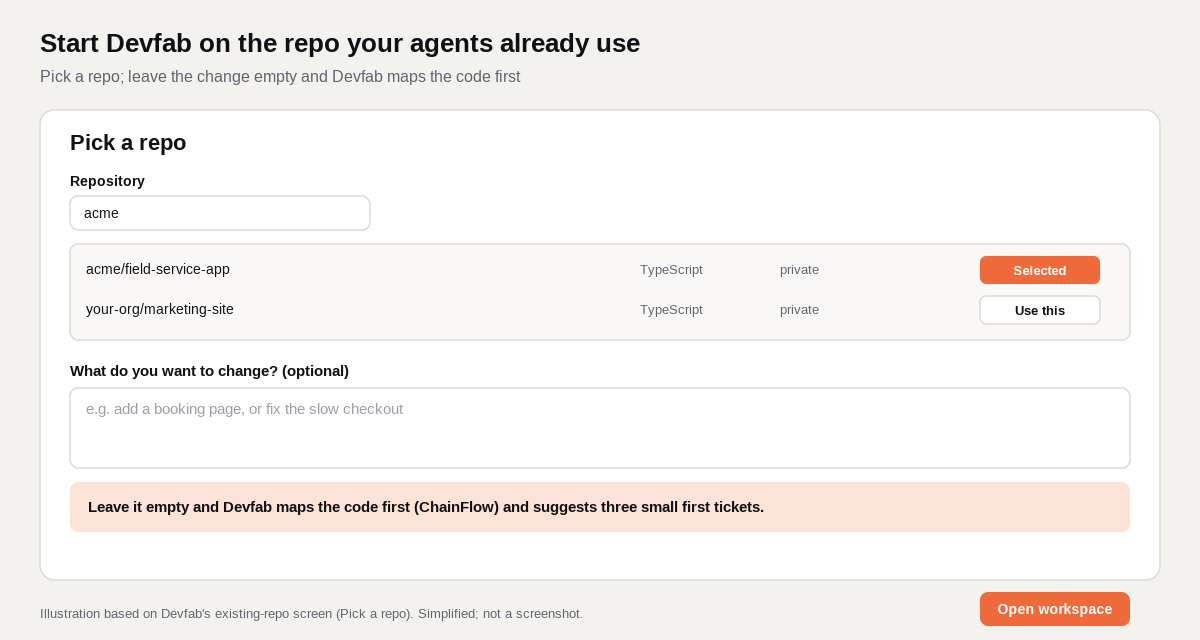
Coding agents automate the developer. Devfab automates the development lifecycle. Point it at an existing repo with "Work on an existing project" and leave the change box empty: ChainFlow maps which functions and APIs call each other and suggests three small first tickets. For the signature step, ChainFlow shows the change also touches job closing, invoices and the customer's completion email. A person approves the plan, and the QA agent runs UI, flow and logic tests. Devfab is in Beta, has a smaller community, is not an editor for hands-on coding, and needs a GitHub account. See Devfab vs goose and Devfab vs OpenCode.
FAQ
What is the main difference between goose and OpenCode?
goose is a general-purpose agent for coding, research, writing and automation, run from a desktop app or CLI and governed by a Linux Foundation body. OpenCode is a coding agent built around a terminal UI, with a read-only plan agent, a build agent and 200+ model providers.
Which is cheaper, goose or OpenCode?
Both agents are free. goose has no vendor pricing; you pay your model provider or run local models. OpenCode is free with free models, your own key or existing ChatGPT or Copilot subscriptions, and offers OpenCode Go from USD 10 per month and pay-as-you-go Zen credits, as of November 2026.
Who maintains goose and OpenCode now?
goose moved from Block to the Agentic AI Foundation at the Linux Foundation, announced April 7, 2026. OpenCode is run by Anomaly, the team behind SST, and its repository moved from sst/opencode to anomalyco/opencode.
Is OpenCode safe to run with default settings?
Be careful. A June 2026 review lists permissive default permissions among OpenCode's weak spots, and a September 2026 review says goose has no default sandbox per run. With either tool, set permissions before you let it run shell commands.
Read next
Want the field-service app planned, tested and shipped? Try Beta
Sources (checked November 2026): goose moves to AAIF (Apr 7, 2026); goose docs; goose README; goose releases; PromptQuorum: goose review (Sep 12, 2026); OpenCode; anomalyco/opencode on GitHub; OpenCode Zen docs; rywalker.com: OpenCode research note (Jun 2026); Kilo blog: new Kilo for VS Code (Apr 2026).
Frequently asked questions
What is the main difference between goose and OpenCode?
goose is a general-purpose agent for coding, research, writing and automation, run from a desktop app or CLI and governed by a Linux Foundation body. OpenCode is a coding agent built around a terminal UI, with a read-only plan agent, a build agent and 200+ model providers.
Which is cheaper, goose or OpenCode?
Both agents are free. goose has no vendor pricing; you pay your model provider or run local models. OpenCode is free with free models, your own key or existing ChatGPT or Copilot subscriptions, and offers OpenCode Go from USD 10 per month and pay-as-you-go Zen credits, as of November 2026.
Who maintains goose and OpenCode now?
goose moved from Block to the Agentic AI Foundation at the Linux Foundation, announced April 7, 2026. OpenCode is run by Anomaly, the team behind SST, and its repository moved from sst/opencode to anomalyco/opencode.
Is OpenCode safe to run with default settings?
Be careful. A June 2026 review lists permissive default permissions among OpenCode's weak spots, and a September 2026 review says goose has no default sandbox per run. With either tool, set permissions before you let it run shell commands.